商铺公告
商品分类

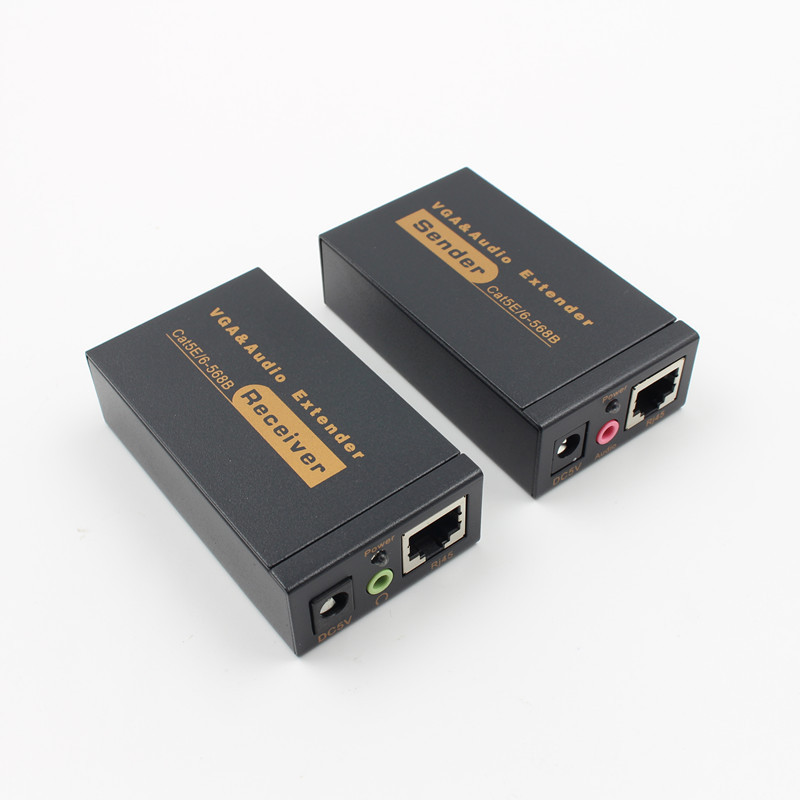
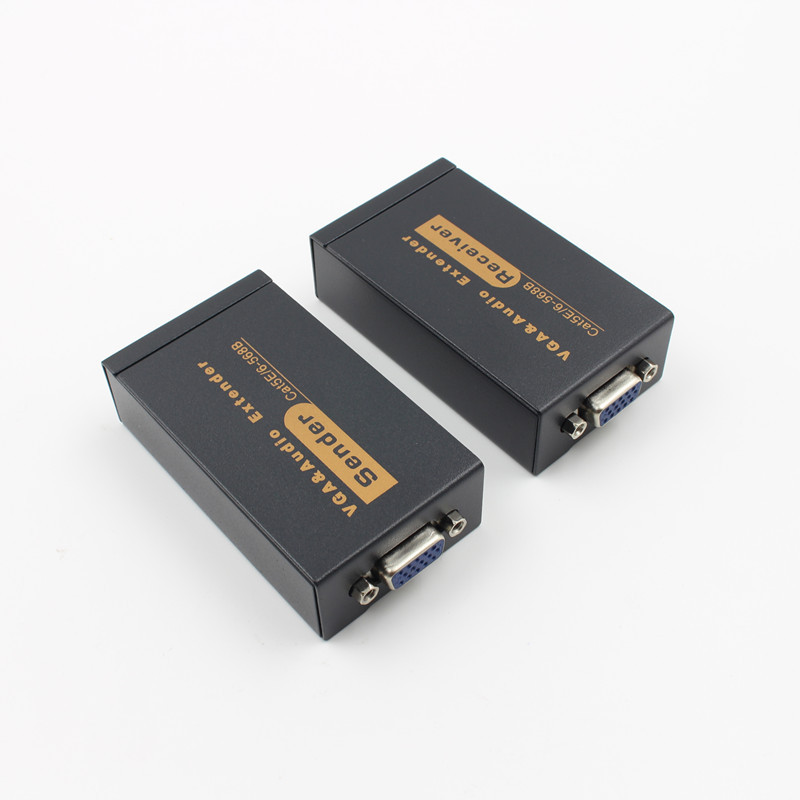
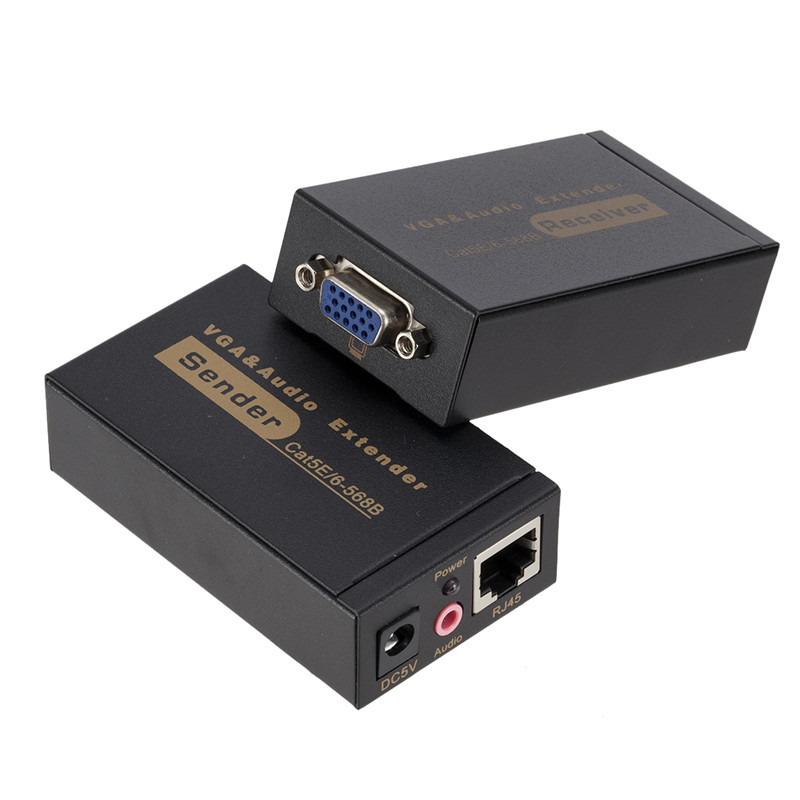
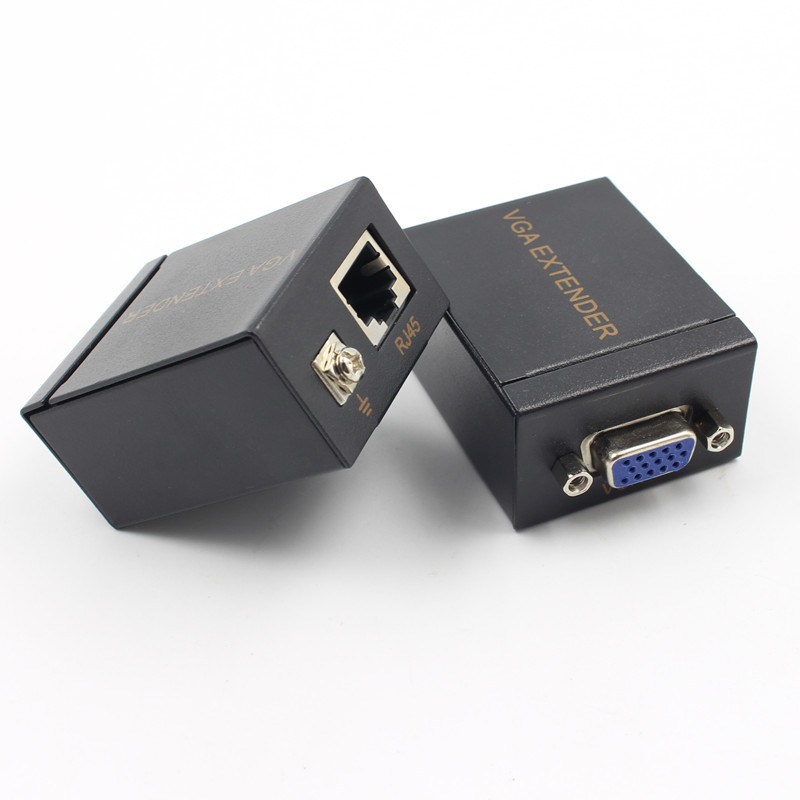
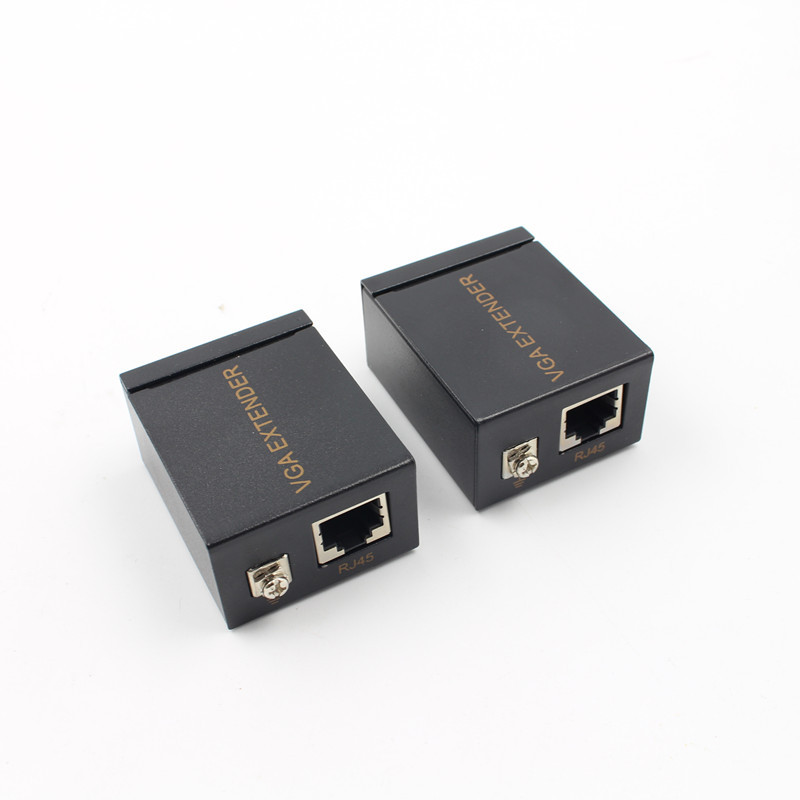
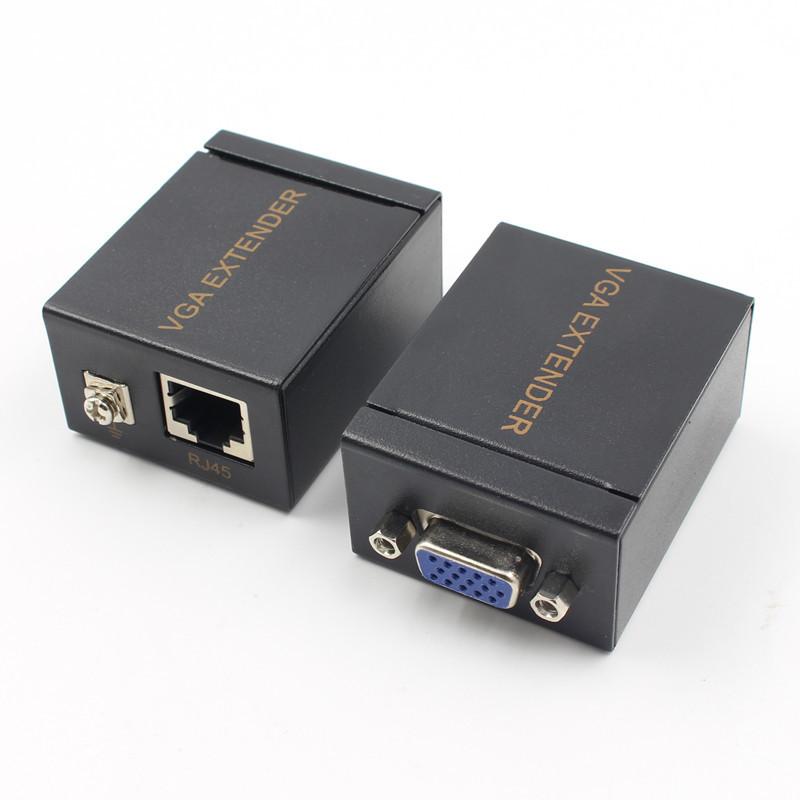
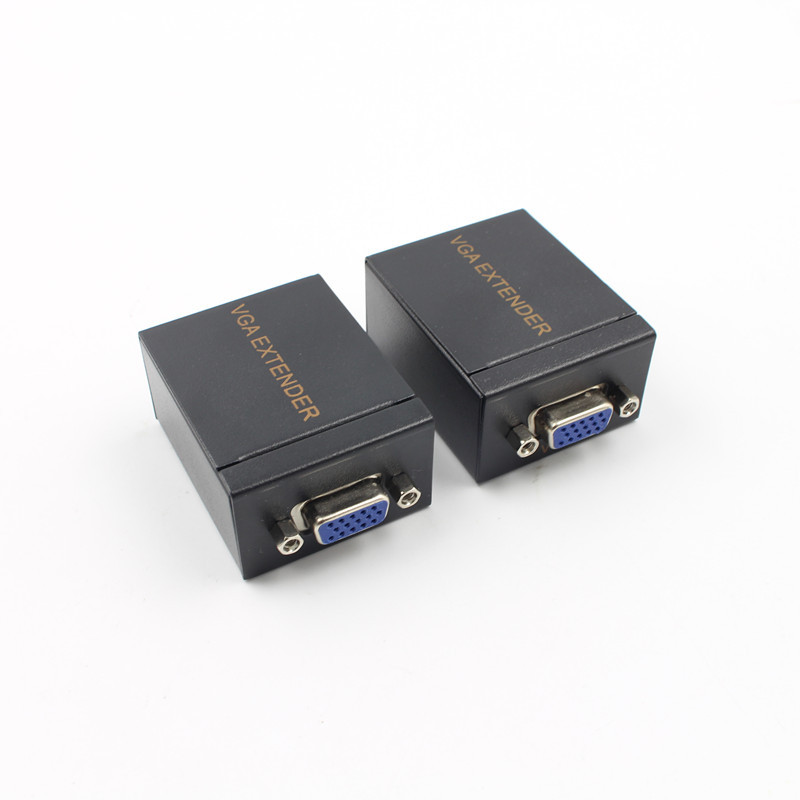
VGA extender VGA cable transmitter 100 meters twisted pair extender VGA to RJ45 amplifier
Industrial; support for a variety of DVR, a variety of brands of hard disk video recorders, support for HD, support for 3D, exclusive brightness adjustable brightness, anti-static lightning, anti-interference.
Factory direct grant, please contact us.
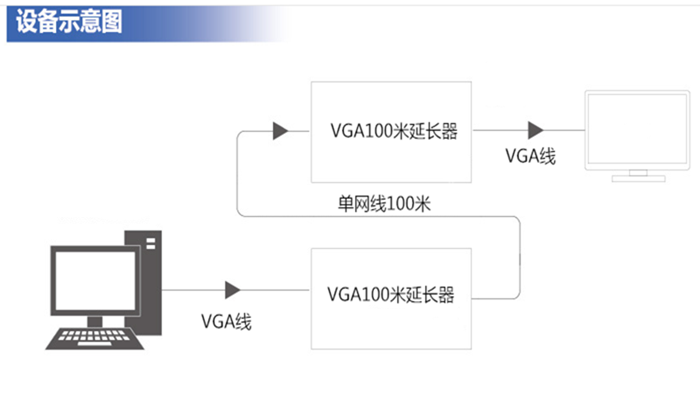
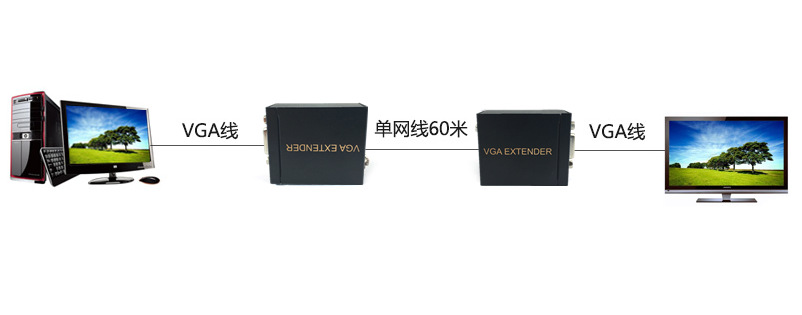
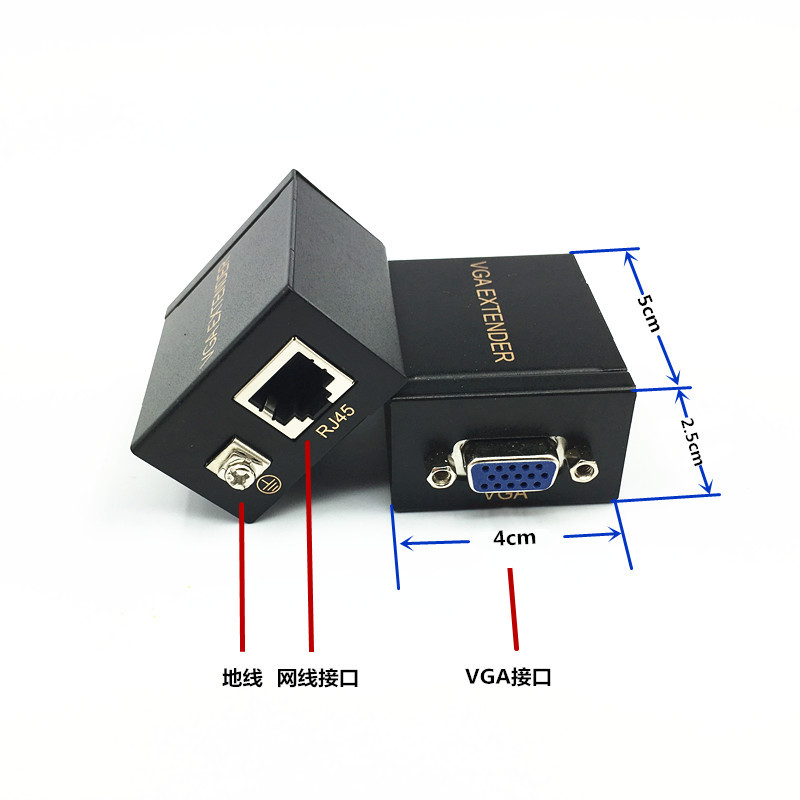
产品实拍
Frequently Asked Questions
1) The monitor has no image display
A: A. Check the power adapter, whether to the host (sender and receiver) power supply
B. Check each connector connection, whether the contact is good
C. Check the VGA cable and network cable, the quality is good
2) The display shows fuzzy, smear, unclear, color cast
A: A. Check each plug connector, is in good contact
B. The length of the network cable should not be longer than 100 meters. The longer the distance, the lower the display efficiency
C. Network cable to ensure that the standard CAT5E / 6, non-standard network cable will result in poor display, network cable 8-core quality inconsistencies, will lead to display color cast
D. VGA cable must be standard, less than 5 meters in length
E. Reduce VGA display resolution
3) When connected to a speaker to play audio, no sound or sound is not good
A: A. Ensure that the 8-wire network are connected, and 8-core quality balance, to avoid the 4-core quality is good, 4 core quality is poor
B. Make sure the EIA / TIA-568B connection is used at both ends of the network cable
4) play audio, the display is not good, the picture jitter
A: A. Make sure the network cable is a standard CAT5E / 6
B. adjust the volume, to avoid the frequency of sound interference wire and signal
C. Make sure there is a certain distance between the speaker and the monitor to avoid resonance
更新时间:2026-05-02 11:01
——— 温馨提示 ———
购买商品请先切换为买家状态
或登录义乌购APP扫二维码购买


 kefu@yiwugo.com