商铺公告
商品分类

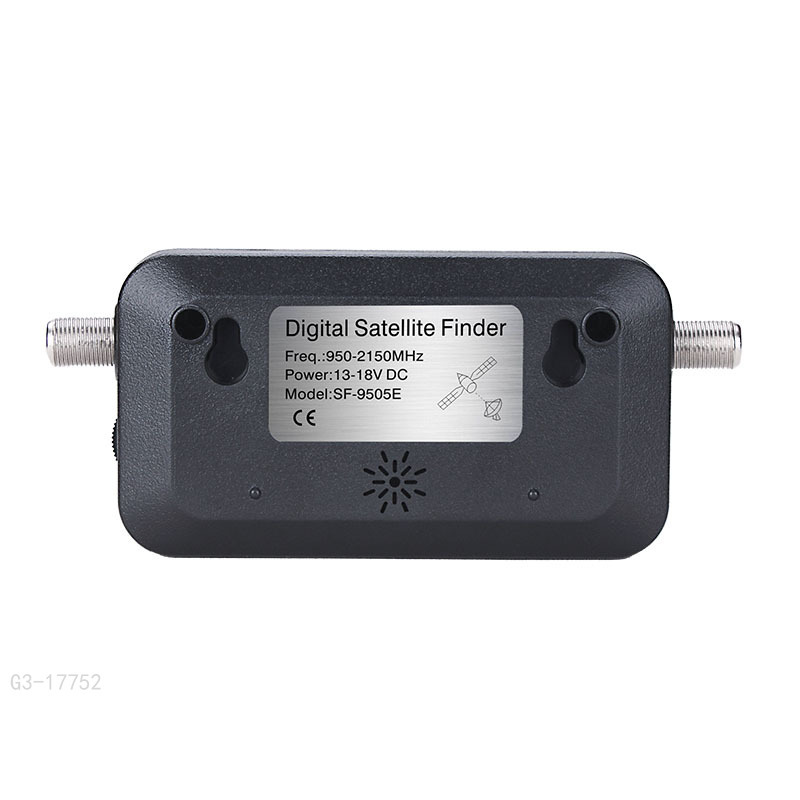
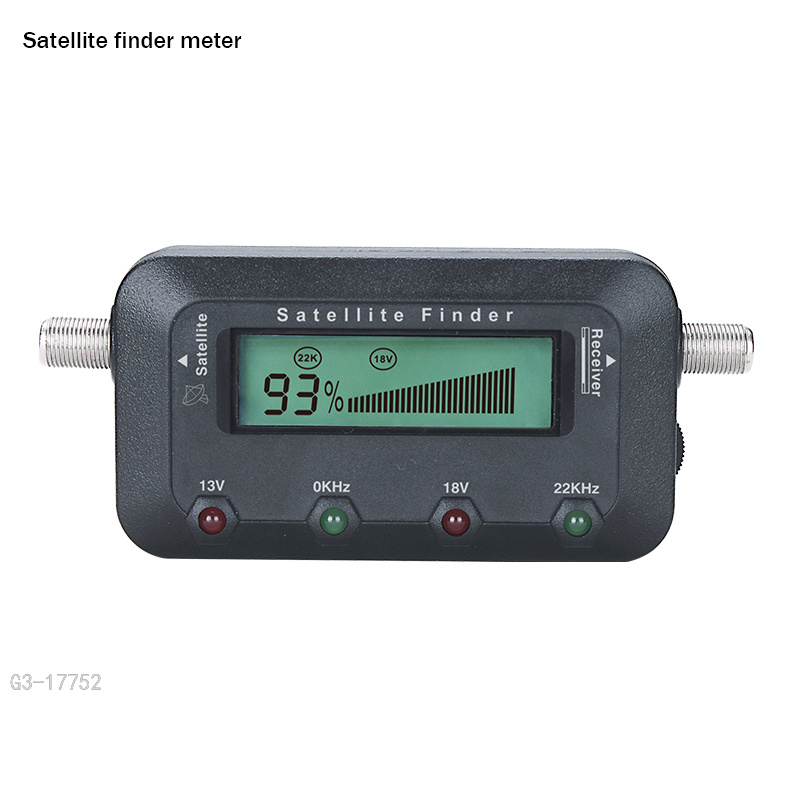
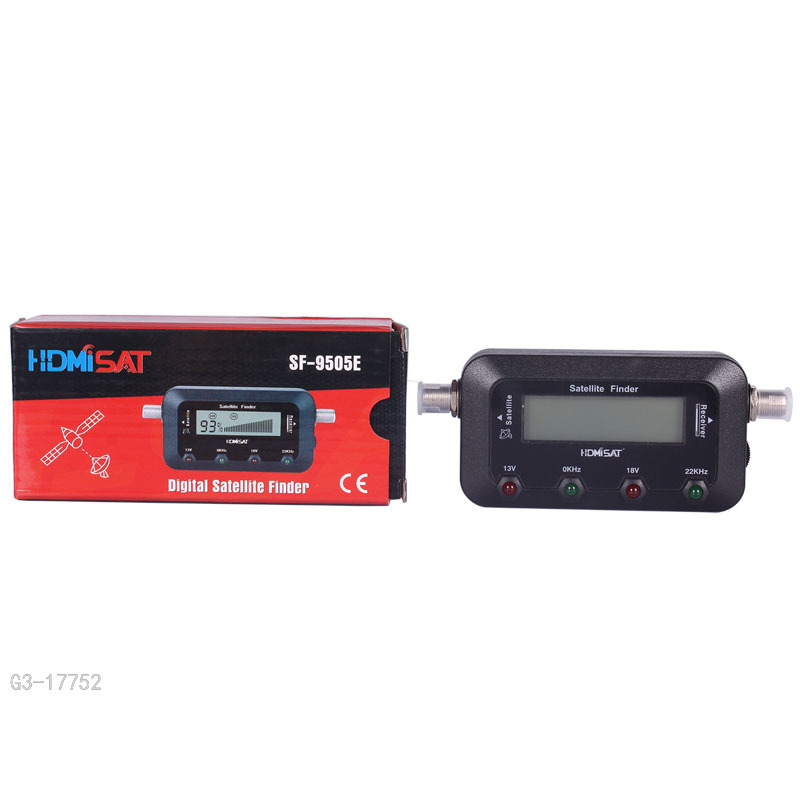
1. Connect a jumper cable from the LNB/LNBF to the “TO LNB” connection on
the Satellite Finder.
2. Connect the cable from your satellite receiver to the “TO REC” input on the
satellite Finder.
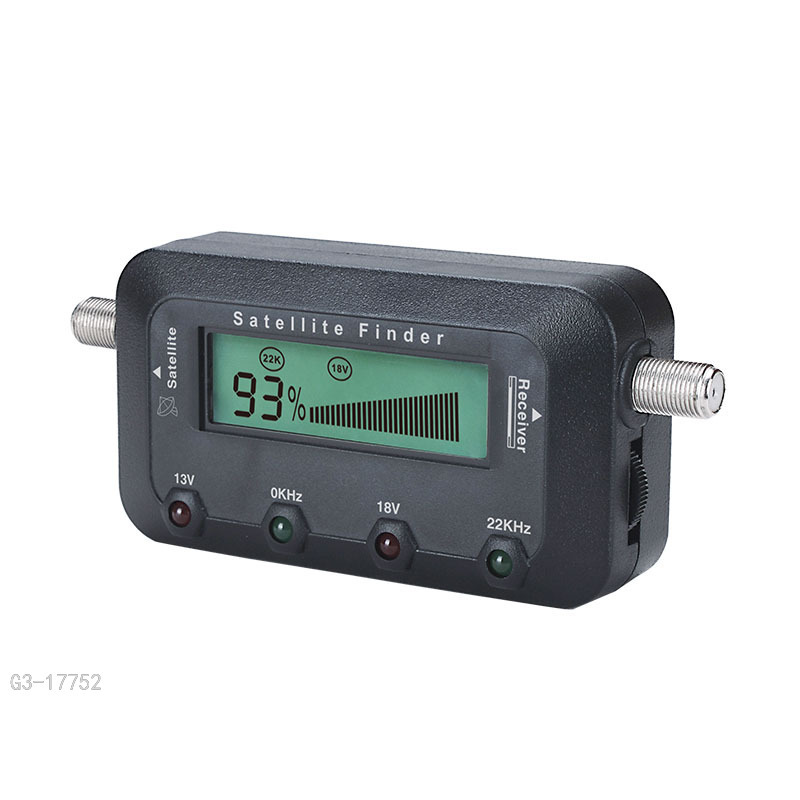
3. Turn on the satellite receiver. Adjust the knob until the signal strength display
around 0% (the critical point).
4. Set your dish to the proper azimuth and elevation settings. (This information
should be supplied with your satellite dish.)
5. Peak the signal by slowly moving the azimuth and elevation of your dish. If
the Satellite Finder's reading becomes full scale adjusting the level control
knob to reduce the incoming signal to a lower level. Continue to move the
dish until you have the highest possible meter reading and the smallest
possible sound interval.
6. Remove the jumper cable and Satellite Finder and reconnect the LNB/LNBF
to your receiver
更新时间:2022-08-14 08:56
——— 温馨提示 ———
购买商品请先切换为买家状态
或登录义乌购APP扫二维码购买


 kefu@yiwugo.com