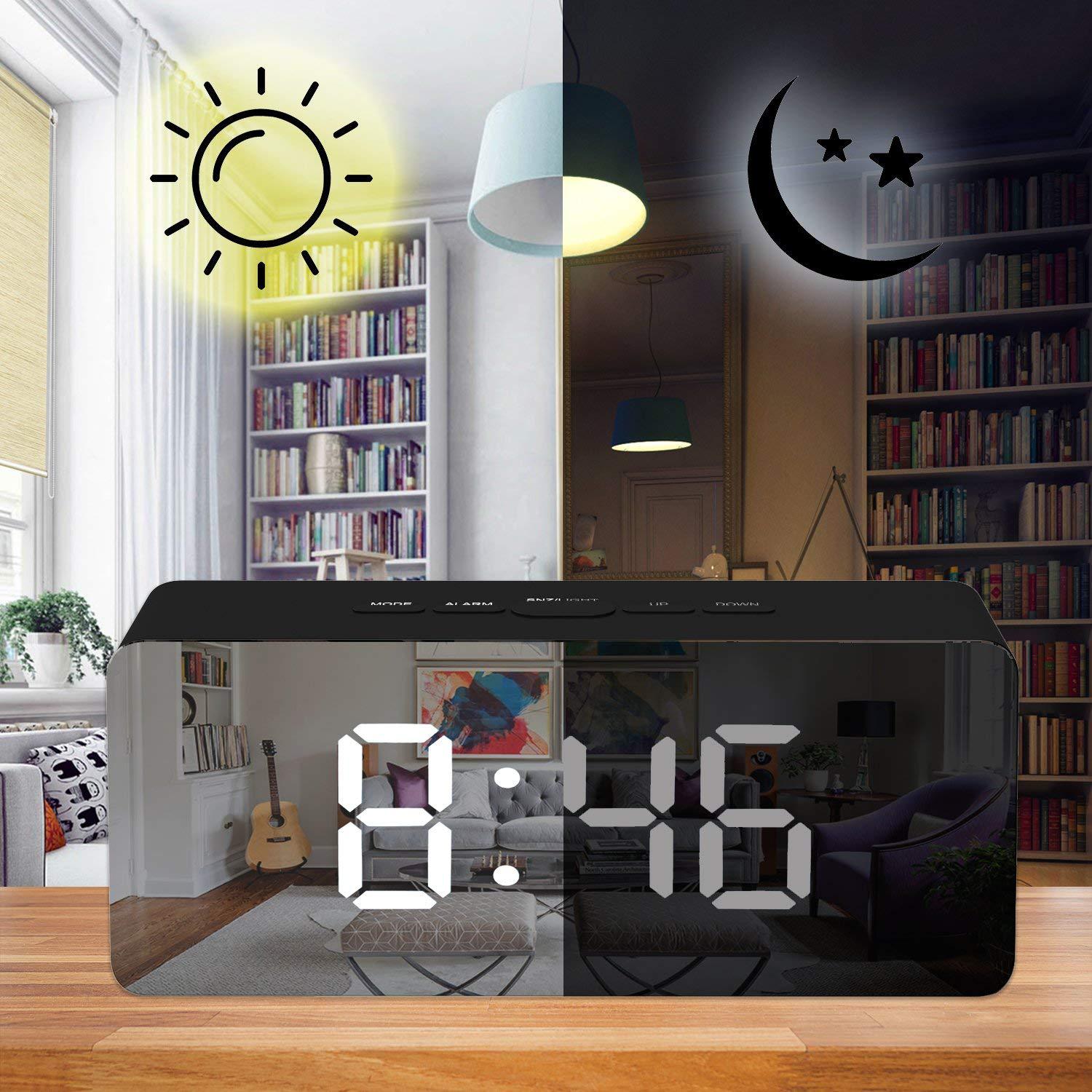
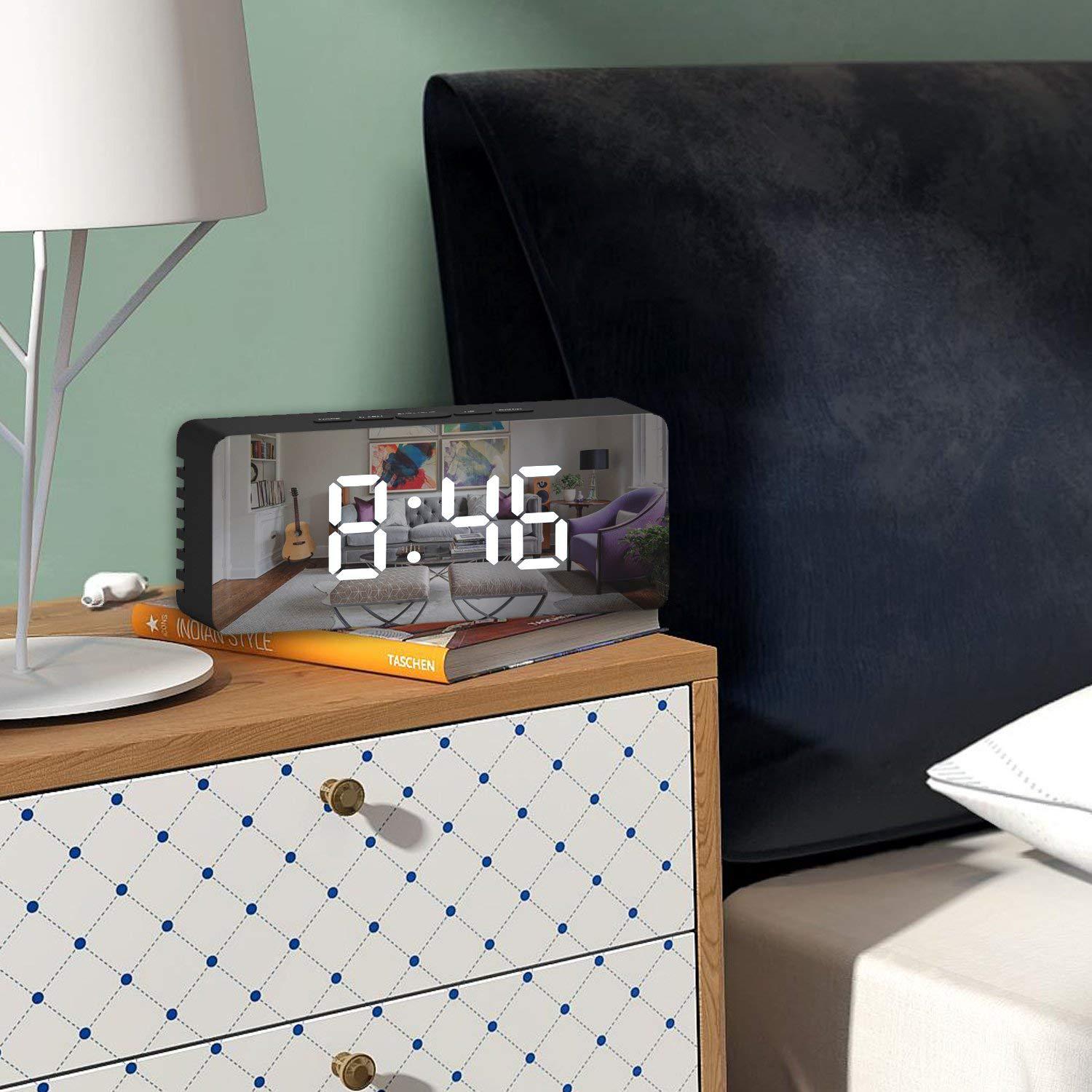
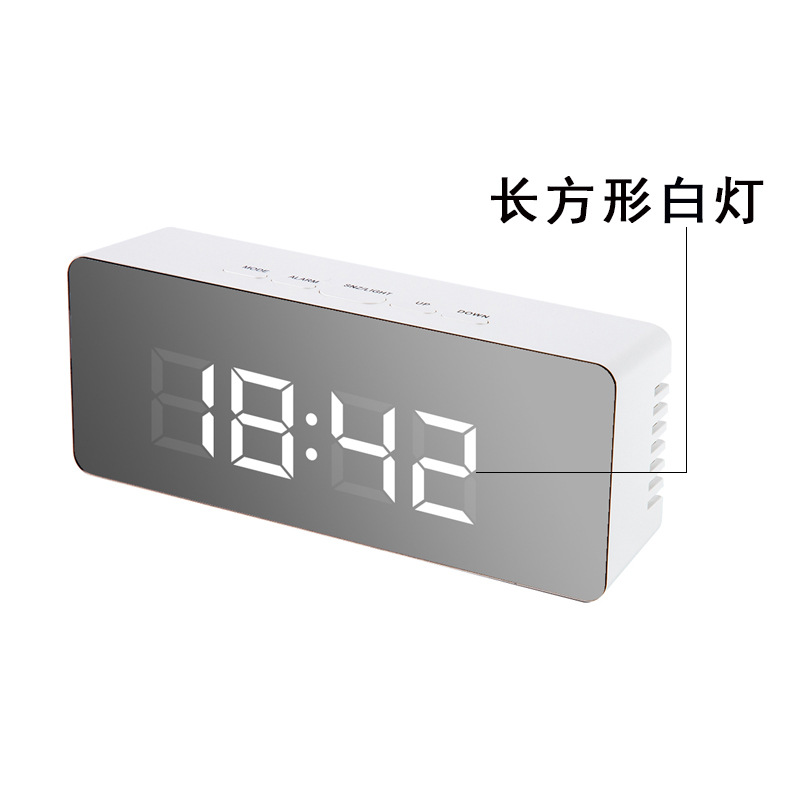
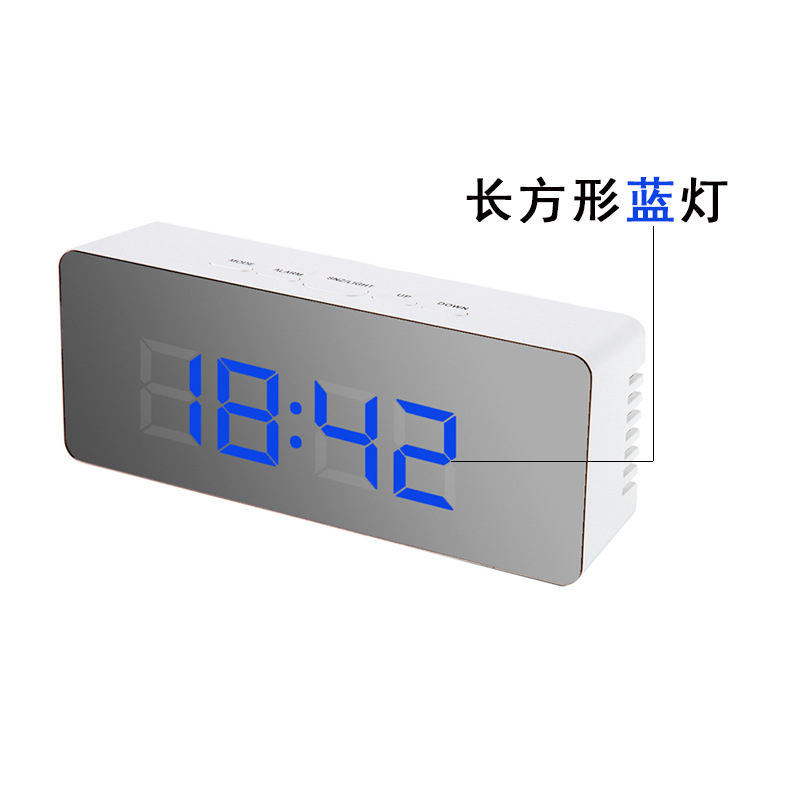
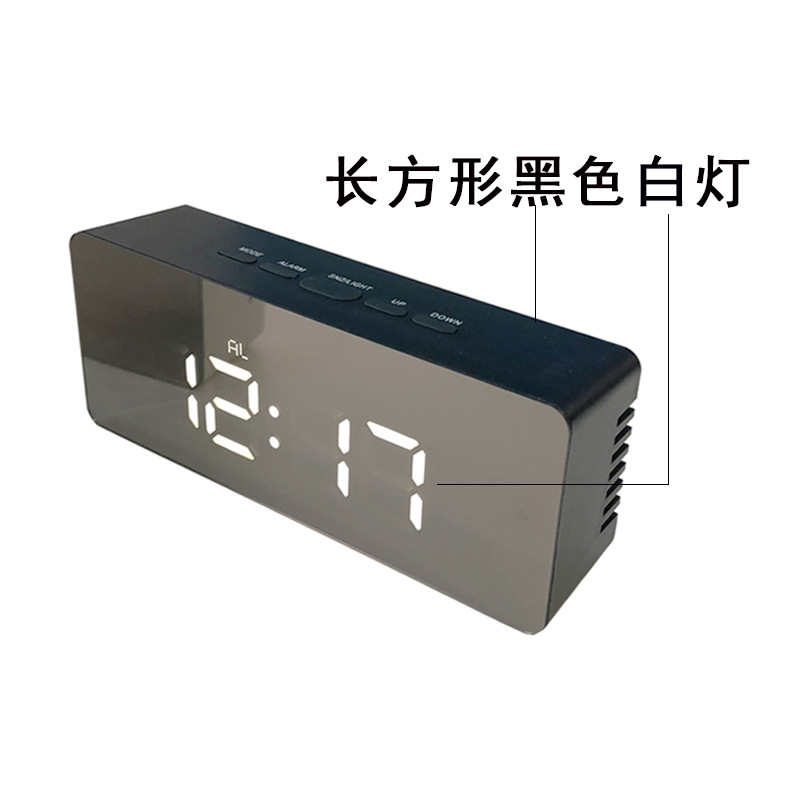
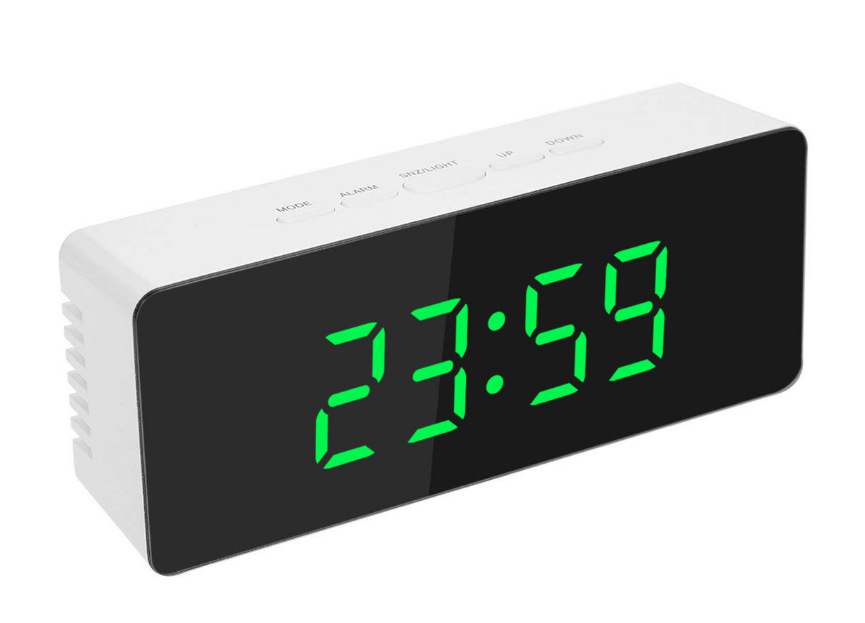
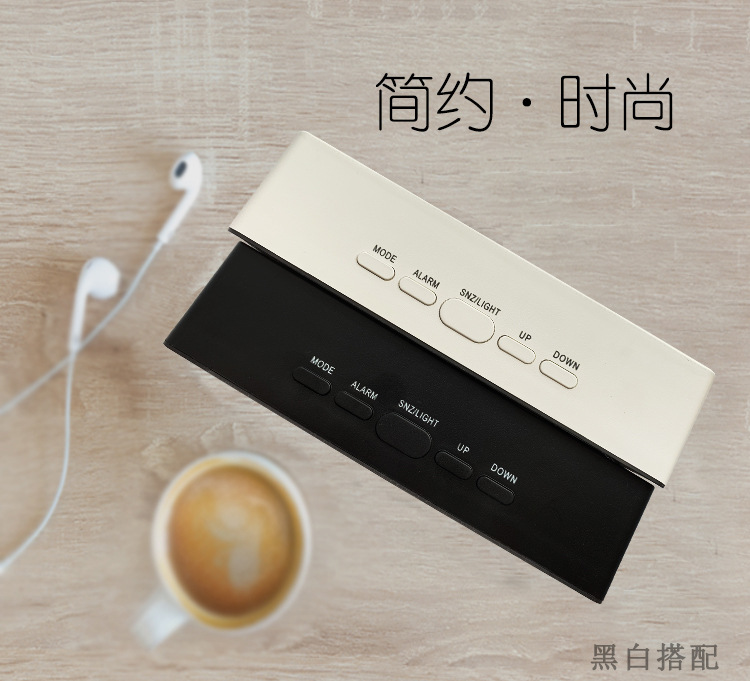
Function buttons
a. Press MODE button Switch displaying:: Time -> Temperature ->Night mode ON/OFF
b. Press UP button to switch the light in 2 level.
c. Under time mode,press on ALARM to activate/deactivate the alarm function.
Operation
1)Time setting
- a. Under time mode, hold MODE button to enter the time setting mode. The setting sequence: hour -> minute -> 12HR/24HR
- b. During the setting process, the setting article will flick.
- c. Press UP once and ahead; hold UP for 2 seconds, go ahead at an 8 steps/second speed.
- d. Press DOWN once and back; press for 2 seconds, go back at an 8 steps/second speed.
- e. If choose 12HR format,it will have PM display in the afternoon, but there is no AM to show the morning time.
- f. Press MODE button or without any operation within 10 seconds to confirm the setting and go back to the normal display.
Alarm setting
- a. Under time mode, hold Alarm button, the AL icon and and hour will flick, then enter the alarm time setting mode,the setting sequence: hour -> minute -> snooze time (from 5-60 minutes)
- b. During the setting process, the setting article will flick
- c. Press UP once and ahead; hold UP for 2 seconds, go ahead at an 8 steps/second speed.
- d. Press DOWN once and back; hold DOWN for 2 seconds, go back at an 8 steps/second speed.
- e. During the setting process, the AL icon will flick.
f. Press ALARM button or without any operation within 10 seconds to confirm the setting and go back to the normal display.
G. When alarming, press any key to stop alarm.
When alarming
- a. Buzzer for 1 minute (BIBIBIBI)
- b. Press SNZ/LIGHT button will stop alarm and active snooze function, the AL icon will flick until it reach to next alarm time.
- c. Press MODE,ALARM,UP and DOWN buttons to stop alarm. If AL icon appears, it will alarm next day in the same time. Press ALARM, the AL will disappear to turn off the alarm function.
Snooze Function
- a. The defalut snooze interval time is 5 minute.
- b. Under alarm mode, hold ALARM button to alarm setting, press ALARM for 3 times to enter snooze interval setting interface. The 05 flick, press UP or DOWN button to set the interval time from 5-60 minutes.
- c. Press UP once and ahead; hold UP for 2 seconds, go ahead at an 8 step/second speed.
- d. Press DOWN once and back; hold DOWN for 2 seconds, go back at an 8 step/second speed.
- d. When Alarming,press SNZ/LIGHT button will stop alarm and active snooze function, theAL icon will flick until it reach to next alarm time.
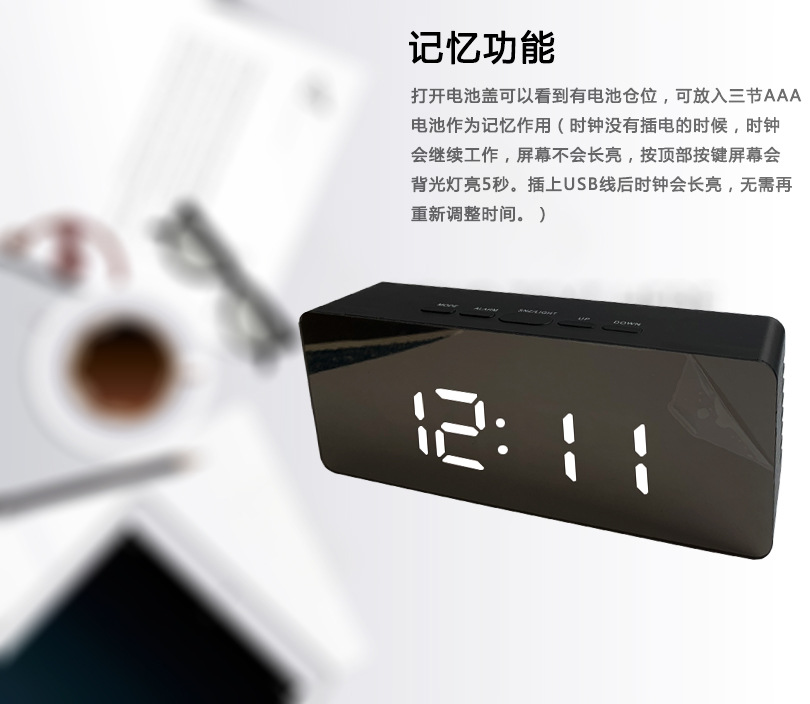
- e. If only battery-on ,press SNZ/LIGHT button, the LED light will light on for 5 second.
Night Mode function
- a. Night Mode means the LED display will automatically dim the luminance during night time.
- b. During the time interface, press MODE button twice will enter Night Mode interface. Press UP or DOWN to turn on or off the night mode function
- c. The defalut night mode period is 18:00 to 6:00
- d. When night mode function in ON mode, hold MODE button to enter night mode setting . The setting sequence: start hour -> start minute -> stop hour -> stop minute
Luminance level setting
- a. Two luminance level
- b. The default is bright level
- c. Press UP button to switch in dim level.
Temperature display
a. Under time mode, press MODE button to display the temperature . Press DOWN button to switch the the temperature display between ℃/℉ unit.
b. Under temperature mode, hold MODE button until the BI sound heard. The LED will switch display: temperature( 5 second) -> time (10 second) -> repeat.
c) Hold MODE button again until the BI sound heard, it will back to time mode.



 kefu@yiwugo.com