搜索

搜索历史

删除历史

搜索发现

图片搜索
首页 > 市场 > 义乌国际商贸城三区 > 2楼 > 办公学习用品 > 东盛电子

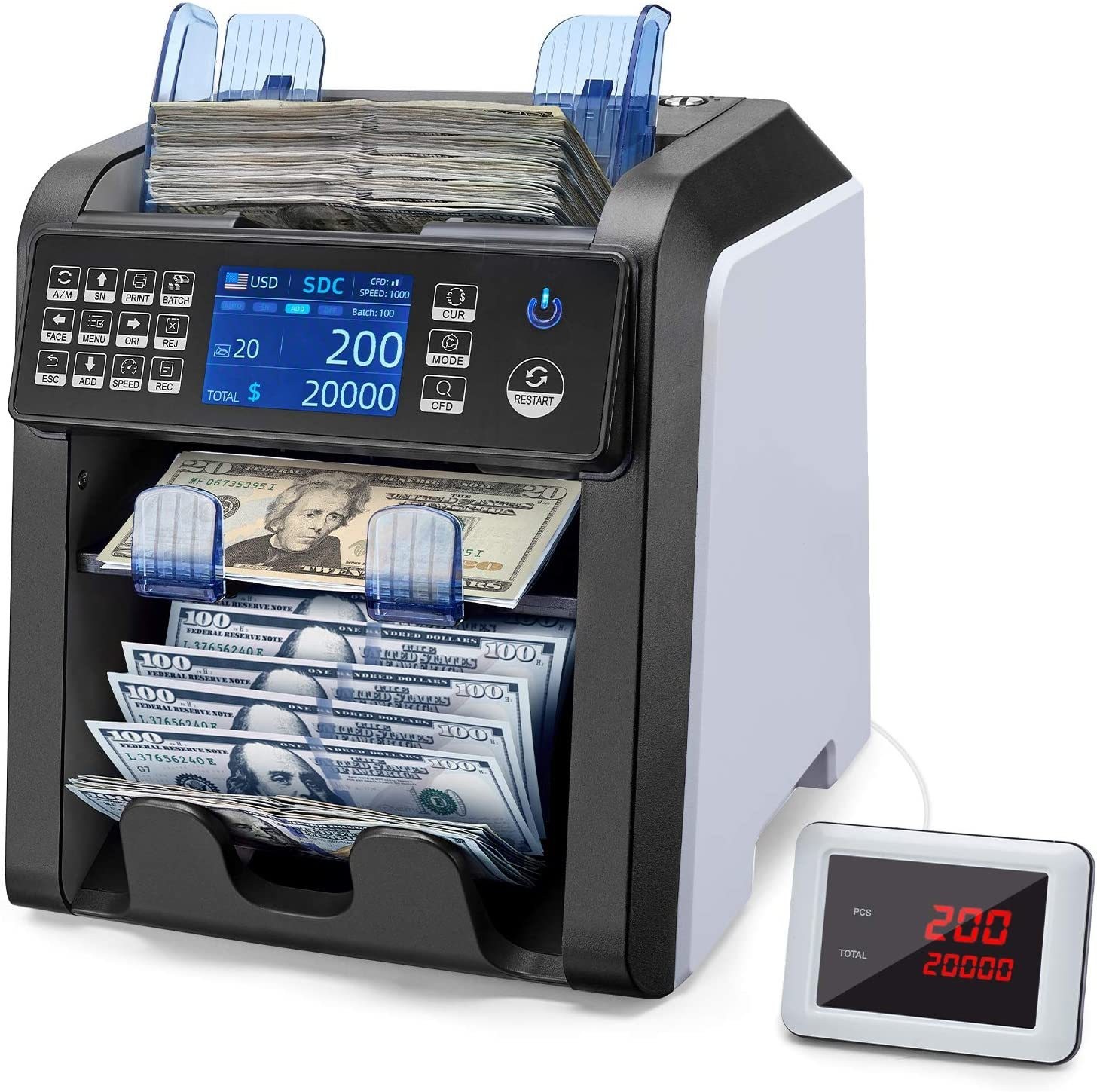
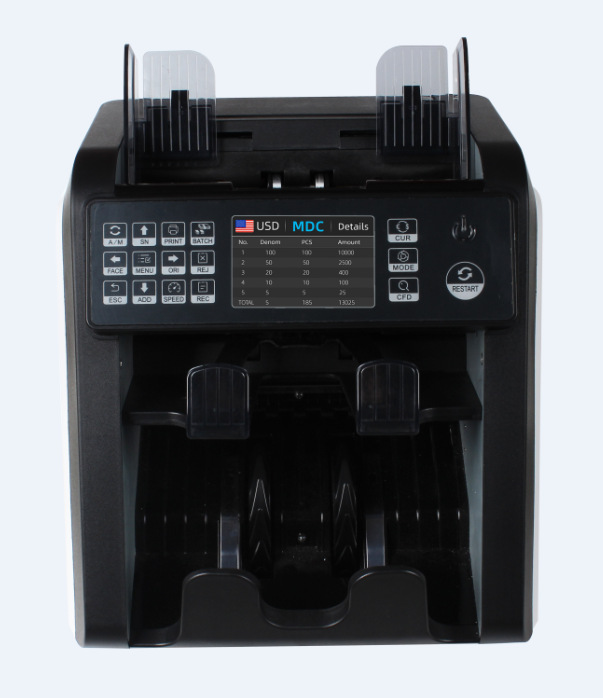
AL-950外币点验钞机CIS图像识别混点合计金额立式机一口半清分机

  • 手机下单或分享
    义乌购APP或微信扫一扫
    即可下单或分享
  • 收藏
AL-950外币点验钞机CIS图像识别混点合计金额立式机一口半清分机 English | 投诉
  • 价格 起批量
    ¥ 3800.0
    ≥10个
    ¥ 3990.0
    1-9个
  • 货号/型号: AL-950
  • 可售数量 20个
  • 1个
  • 免邮数 2个 起免邮
  • 配送至 浙江 快递¥ 5.00
请选择相应商品属性下单
  数量   单价   合计(不含运费)
我要买: × 3,990.00 = 0
每个ID购买数量不能超过()个
供货库存不足,请联系商家
订单总数小于最小起购量(1)

  • 宝贝已成功添加到购物车!

东盛电子 14年

黄楚杰 联系客服
057981580368 18657976922
18657976922
义乌国际商贸城三区61门2楼2街24953B

商铺公告

  • 欢迎广大客户观临东盛办公电子,本公司专业生产计算器 电子时钟 来样订做印刷客户LOGO等等...
全部分类
  • 详细信息
封面材质: pp 重量: 10.0 kg/个


undefined

undefined

undefined

undefined

undefined

undefined

undefined

实物图展示

undefinedundefined

undefined


undefined

特点:

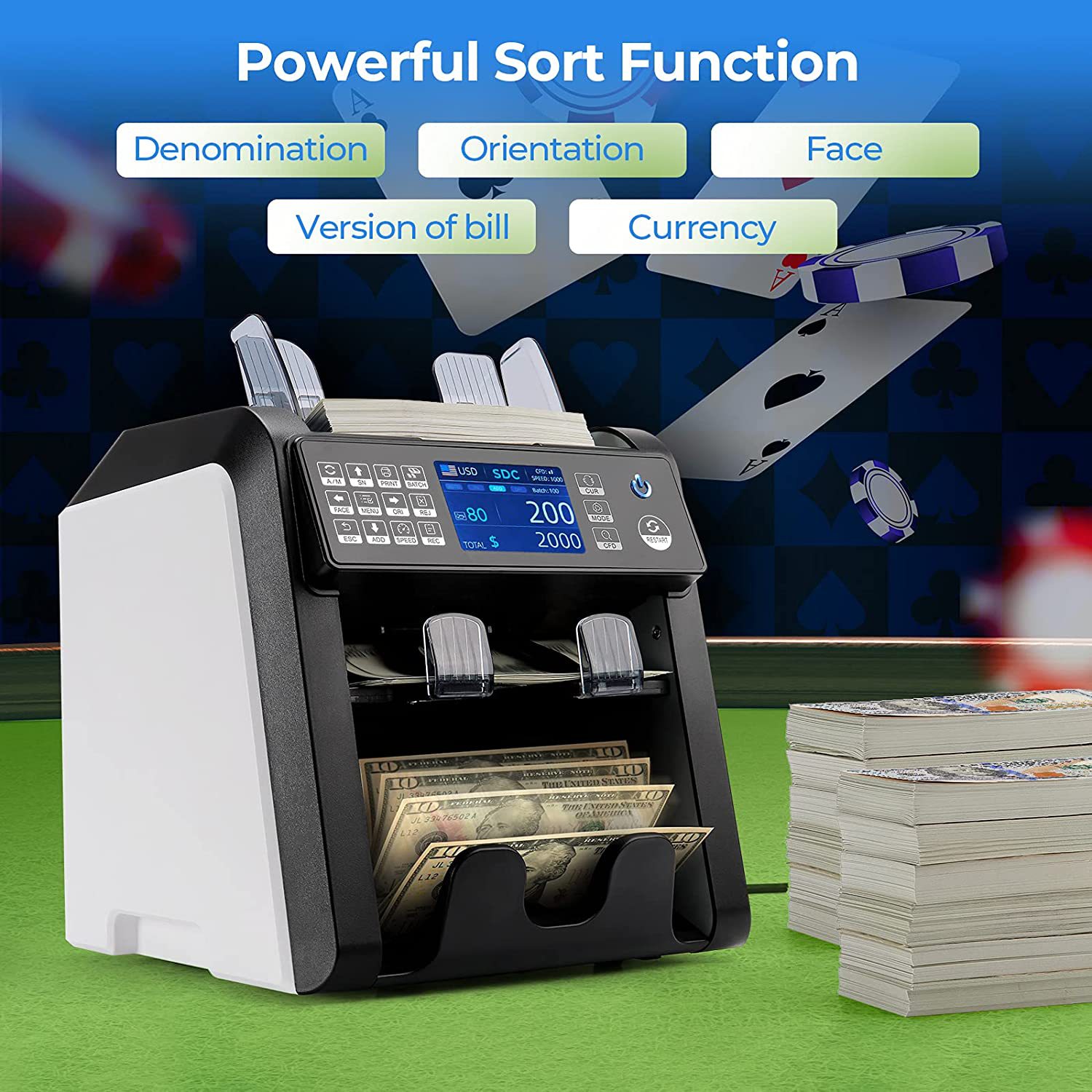
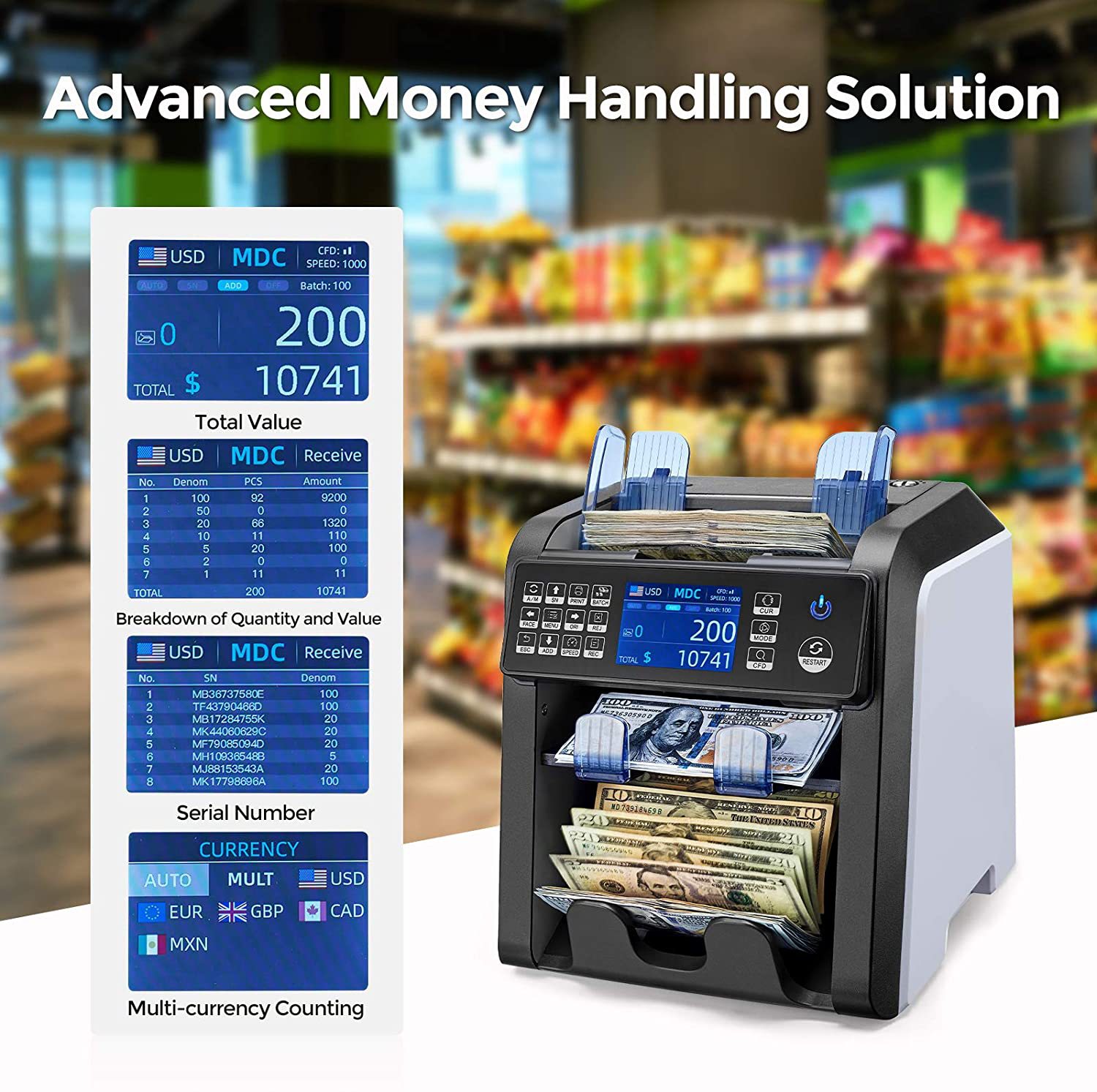
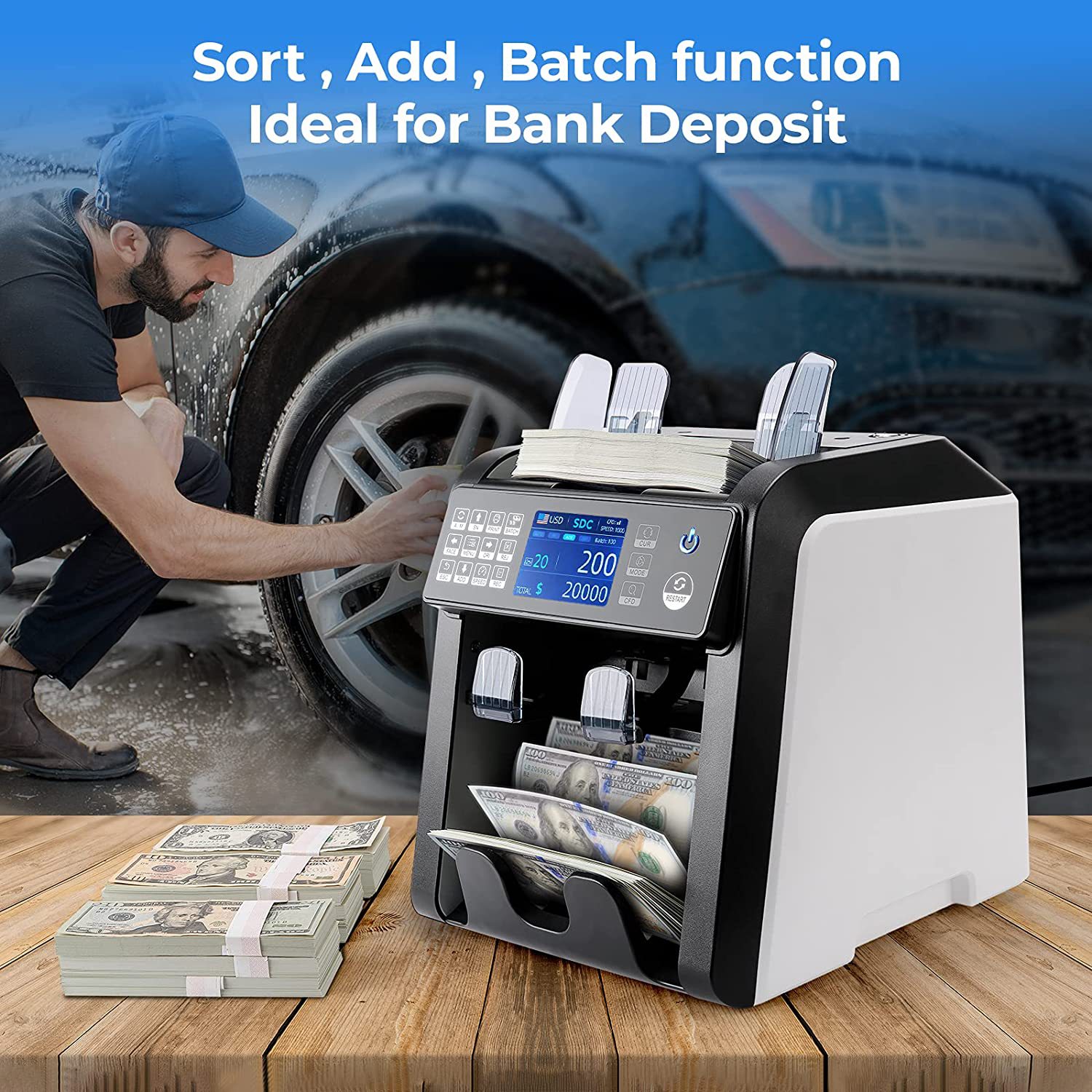
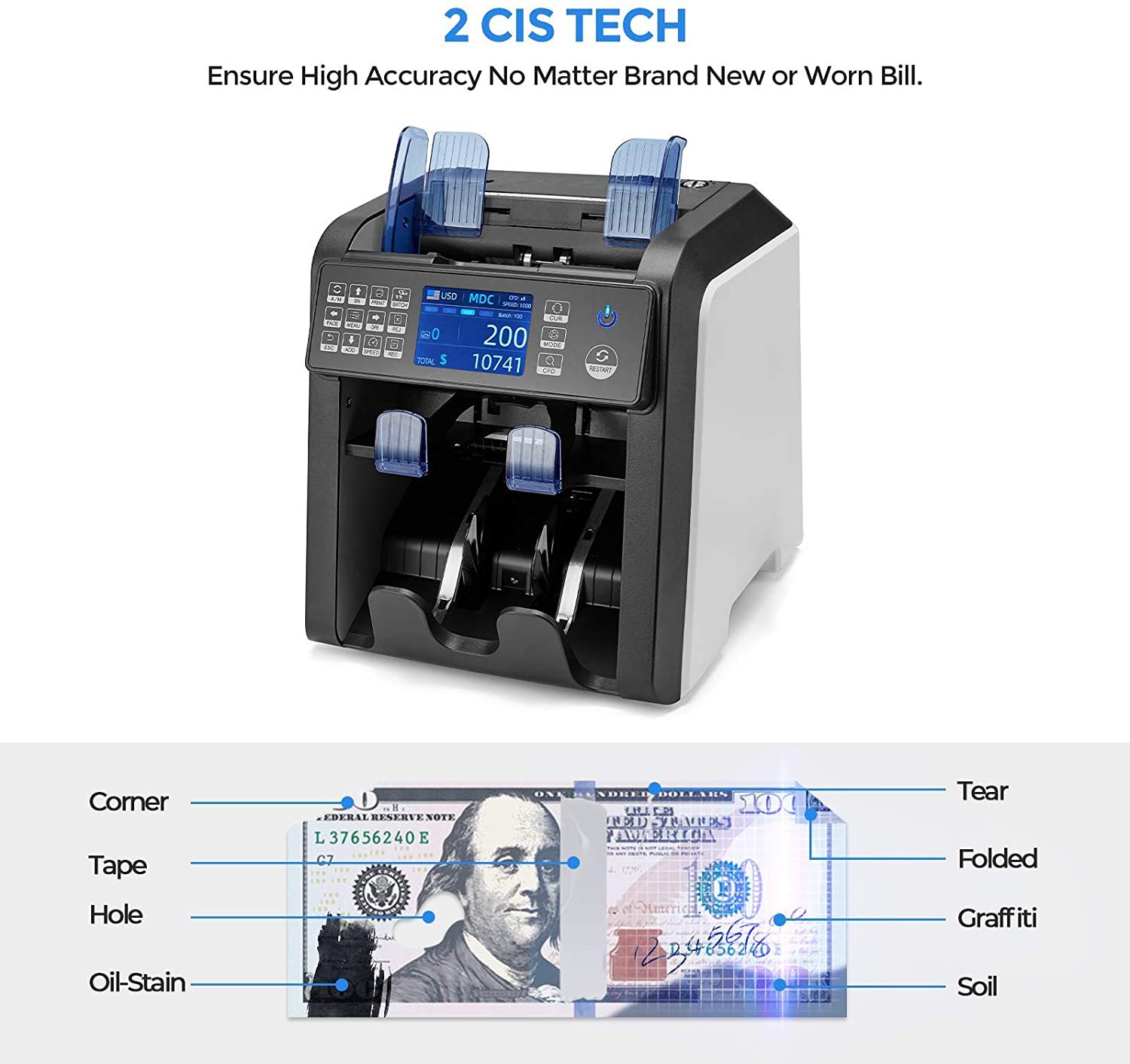
带双CIS图像扫描,多语言切换,金额合计,版本清分,面向清分,朝向清分。

多币种合计一口半清分机

自动识别货币功能

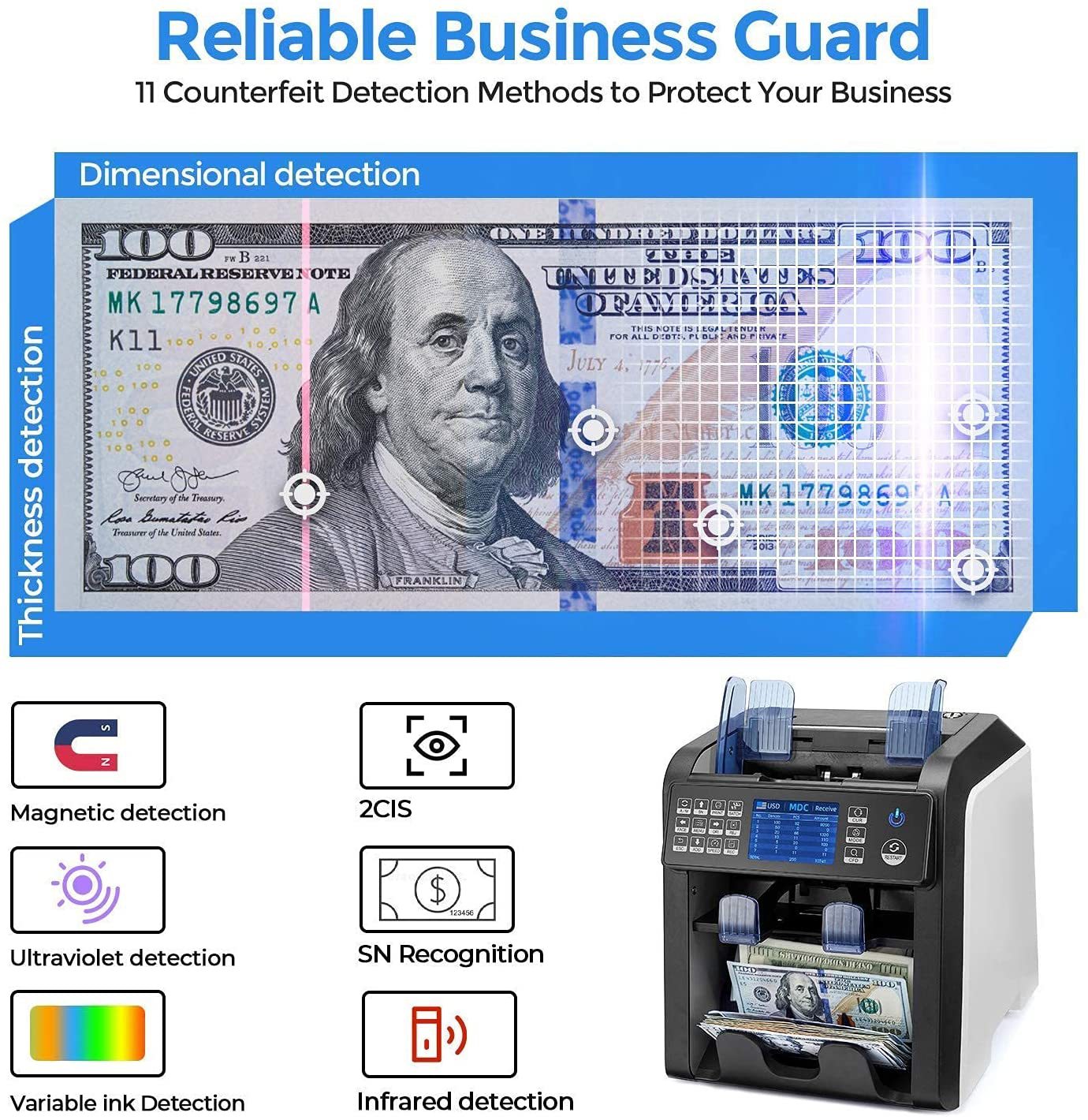
假币检测图像、磁性、红外、紫外等,自动半张、重张、连张检测。

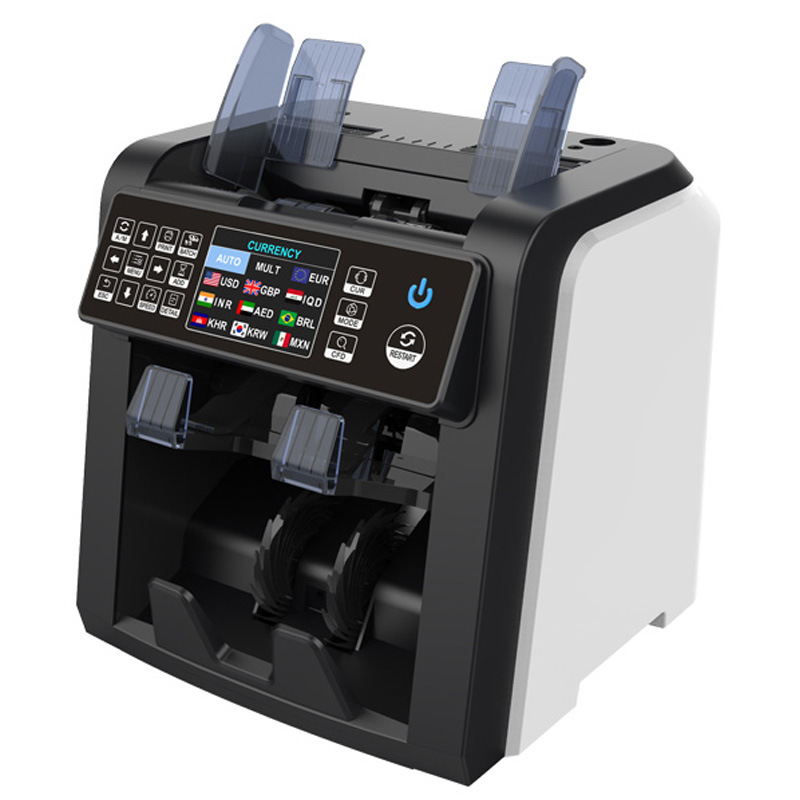
货币选择:USD, EUR, GBP, RUB, CHF, THB, CAD, HKD, JPY, SGD, IDR, MXD, AED…最多60种货币

接口:RS-232, USB, SD卡

触摸面板和大尺寸TFT显示


规格:

尺寸:260 * 230 * 240毫米

重量:净重:6.5公斤 ,毛重:7.5公斤

计数速度:CNT模式800/1000/1200/1500 张/分钟, SDC和MDC模式800/1000 张/分钟。

点钞尺寸范围:50*110-90* 190mm     点钞厚度范围:0.075-0.15mm

电源:交流100~240V±10%,50/ 60hz   电流:最大1.8A (100~ 240vac)

环境温度:0℃~35℃(工作)    工作环境:-10℃~60℃   环境湿度:20%~90%(无凝结)


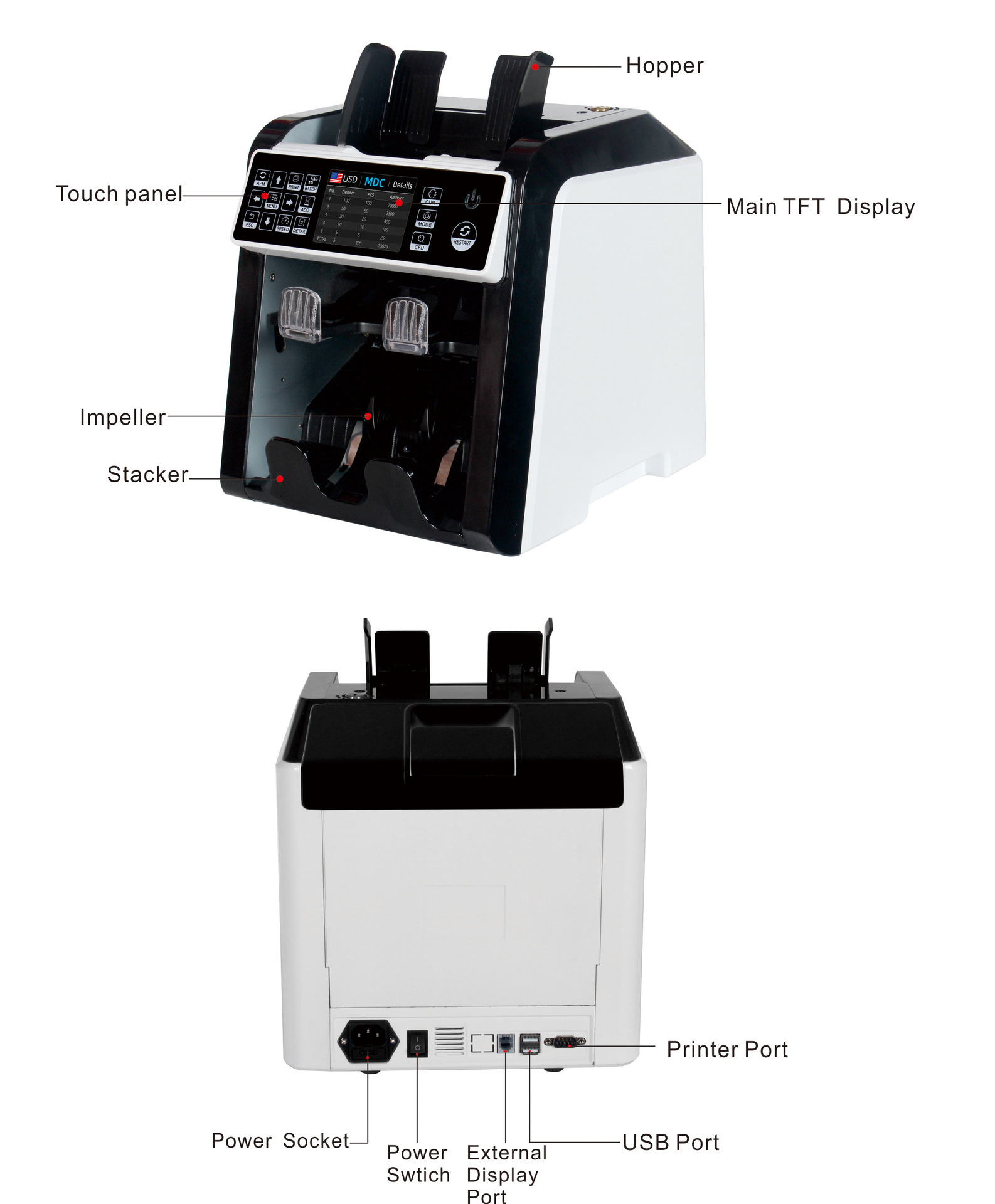
 细节图片
undefined


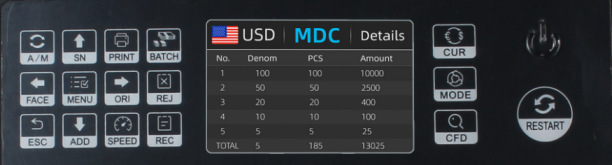
控制面板介绍


undefined

Button A/MChoose Auto or Manual Start

按钮A/M:选择自动或手动启动


Button SN:Turn on serial number recognition functionin batch mode,press it to increase batch number by1move cursor up in menu

开启序列号识别功能,在按键功能下,按此键可使数量增加1在菜单中向上移动功能。


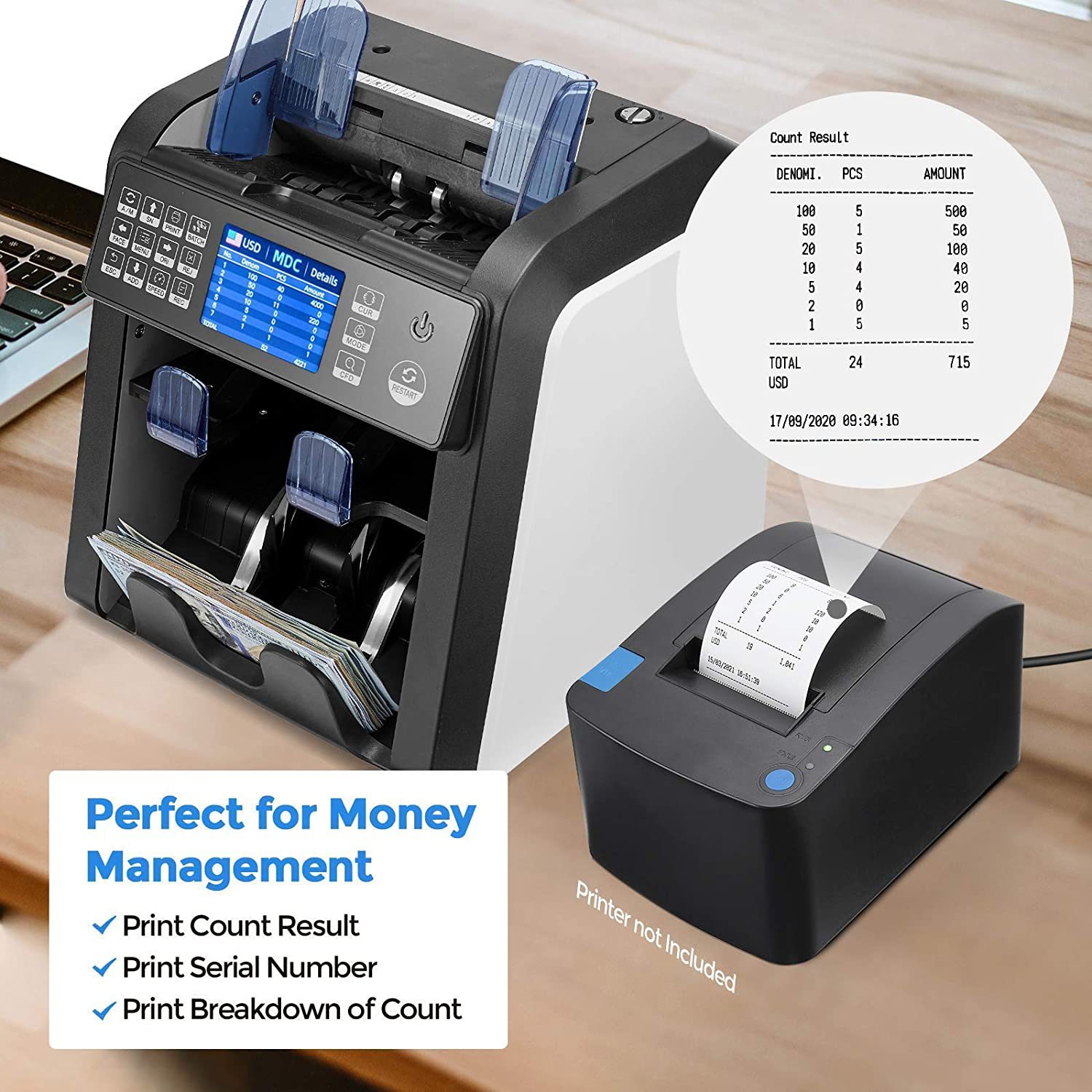
Button PRINT: When your value counter is connected with a printer, then in REPORT mode (press DETAIL to get in), press this PRINT button to print out the detail.

按钮打印:当点钞机与打印机连接时,按此打印按钮打印出详细信息。


Button BATCH: Switch on/off batch mode.

选择预置张数:打开/关闭选项


ButtonFACE:Face sorting function on/off in SDC mode,In BATCH mode,press it to increase batch number by 10,move cursor left in menu

SDC模式下开关面向功能,在预置模式下,按下该键可加数量增加到10的倍数,在菜单中向左移动功能。


Button menu: Enter in to Menu while in main interface

在主界面进入菜单,确认功能


Button ORJ:Orient sorting function on/off in SDC mode,In BATCH mode,press it to decrease batch number by 10,move cursor right in menu.

SDC模式下开关朝向功能,在预置模式下,按下该键可加数量减数10的倍数,在菜单中向移动功能。


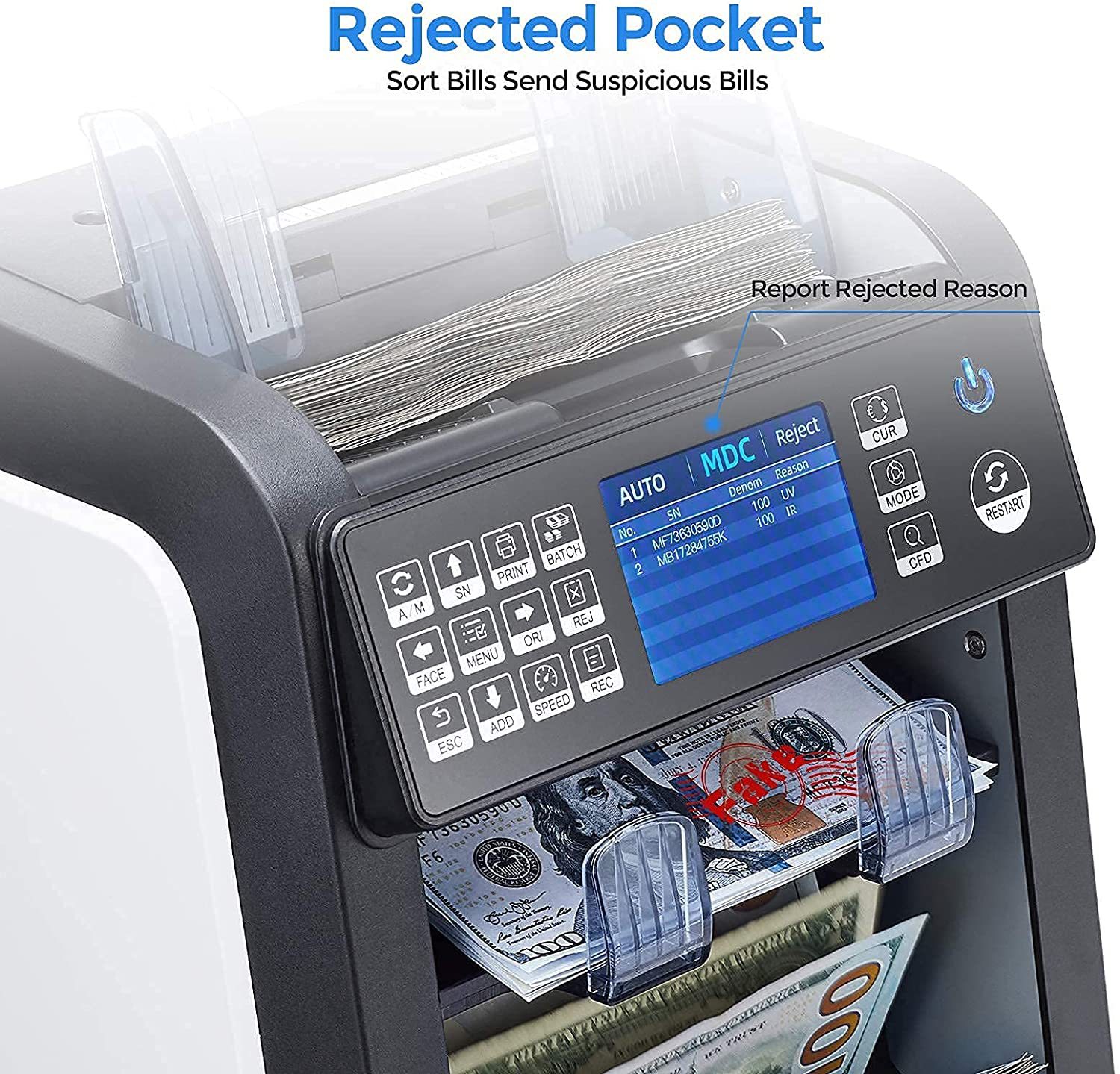
Button REJ:Show the rejected bills and reason,long press to set the capacity of reject pocket (max.100bills).

显示被拒收的钞票及其原因,长按设置拒收口袋容量(最大100张钞票)


Button ESC: The default function is to clear the input or back to upper level.

返回按键:返回上级按键。


Button ADD: The default function is to switch on/off ADD function

累加数量:默认功能为打开/关闭添加功能


Button SPEED: The default function is to select different available counting speeds.

按钮速度:选择不同的点钞速度


ButtonRECView the counting result report

查看计数结果报表


Button CUR: Show up the available currency names in your machine and press corresponding numeric button to select the currency you want.

 选择CUR:显示机器中可用的货币名称,然后按相应的数字按钮选择所需的货币。


Button MODE:Choose CNT mode (Count), SDC mode (Single Denomination Count) & MDC mode (Mixed Denomination Count).

选择CNT模式(计数)SDC模式(单面额计数)MDC模式(混合面额计数)


Button CFD: Choose different Counterfeit Detection Sensitivity level

选择CFD:选择不同的检测灵敏度级别


Button↑→ ↓←:When BATCH is on, then use ↑→ ↓←buttons to input the batch number. And in Menu to choose currency type.

方向键:选择不同的方向,通过上下左右方向键调节所需国家币种。


Button RESTART: This button is used to start counting, or back to upper level in MENU.

按钮重启:点钞机重新启动最初状态。


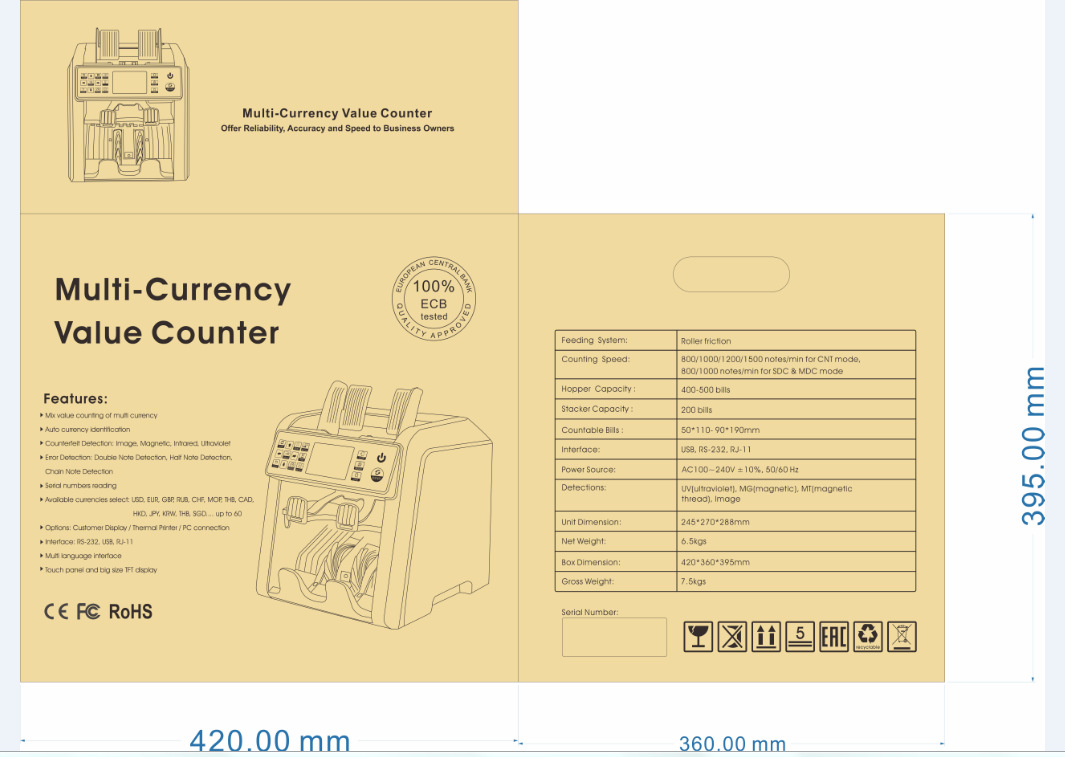
AL-950彩页 

undefined


undefined

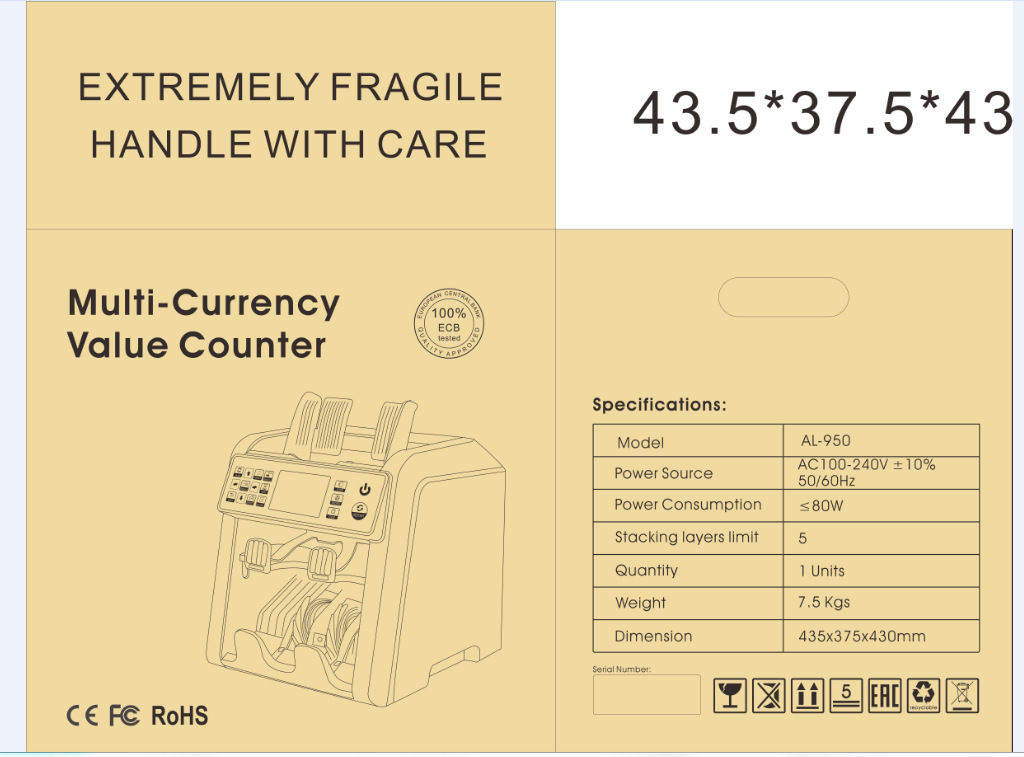
内箱
undefined

外箱(双层打包更牢固)

undefined


undefined


undefined


实物图展示

undefinedundefined

undefined


undefined


特点:

带双CIS图像扫描,多语言切换,金额合计,版本清分,面向清分,朝向清分。

多币种合计一口半清分机

自动识别货币功能

假币检测图像、磁性、红外、紫外等,自动半张、重张、连张检测。

货币选择:USD, EUR, GBP, RUB, CHF, THB, CAD, HKD, JPY, SGD, IDR, MXD, AED…最多60种货币

接口:RS-232, USB, SD卡

触摸面板和大尺寸TFT显示


规格:

尺寸:260 * 230 * 240毫米

重量:净重:6.5公斤 ,毛重:7.5公斤

计数速度:CNT模式800/1000/1200/1500 张/分钟, SDC和MDC模式800/1000 张/分钟。

点钞尺寸范围:50*110-90* 190mm     点钞厚度范围:0.075-0.15mm

电源:交流100~240V±10%,50/ 60hz   电流:最大1.8A (100~ 240vac)

环境温度:0℃~35℃(工作)    工作环境:-10℃~60℃   环境湿度:20%~90%(无凝结)


 细节图片

undefined


控制面板介绍


undefined


Button A/M:Choose Auto or Manual Start

按钮A/M:选择自动或手动启动


Button SN:Turn on serial number recognition function,in batch mode,press it to increase batch number by1,move cursor up in menu。

开启序列号识别功能,在按键功能下,按此键可使数量增加1,在菜单中向上移动功能。


Button PRINT: When your value counter is connected with a printer, then in REPORT mode (press DETAIL to get in), press this PRINT button to print out the detail.

按钮打印:当点钞机与打印机连接时,按此打印按钮打印出详细信息。


Button BATCH: Switch on/off batch mode.

选择预置张数:打开/关闭选项


ButtonFACE:Face sorting function on/off in SDC mode,In BATCH mode,press it to increase batch number by 10,move cursor left in menu

在SDC模式下开关面向功能,在预置模式下,按下该键可加数量增加到10的倍数,在菜单中向左移动功能。


Button menu: Enter in to Menu while in main interface

在主界面进入主菜单,确认功能


Button ORJ:Orient sorting function on/off in SDC mode,In BATCH mode,press it to decrease batch number by 10,move cursor right in menu.

在SDC模式下开关朝向功能,在预置模式下,按下该键可加数量减数到10的倍数,在菜单中向右移动功能。


Button REJ:Show the rejected bills and reason,long press to set the capacity of reject pocket (max.100bills).

显示被拒收的钞票及其原因,长按设置拒收口袋容量(最大100张钞票)。


Button ESC: The default function is to clear the input or back to upper level.

返回按键:返回上级按键。


Button ADD: The default function is to switch on/off ADD function

累加数量:默认功能为打开/关闭添加功能


Button SPEED: The default function is to select different available counting speeds.

按钮速度:选择不同的点钞速度


ButtonREC:View the counting result report

查看计数结果报表


Button CUR: Show up the available currency names in your machine and press corresponding numeric button to select the currency you want.

 选择CUR:显示机器中可用的货币名称,然后按相应的数字按钮选择所需的货币。


Button MODE:Choose CNT mode (Count), SDC mode (Single Denomination Count) & MDC mode (Mixed Denomination Count).

选择CNT模式(计数),SDC模式(单面额计数)和MDC模式(混合面额计数)。


Button CFD: Choose different Counterfeit Detection Sensitivity level

选择CFD:选择不同的检测灵敏度级别


Button↑→ ↓←:When BATCH is on, then use ↑→ ↓←buttons to input the batch number. And in Menu to choose currency type.

方向键:选择不同的方向,通过上下左右方向键调节所需国家币种。


Button RESTART: This button is used to start counting, or back to upper level in MENU.

按钮重启:点钞机重新启动最初状态。


AL-950彩页 
undefined


undefined

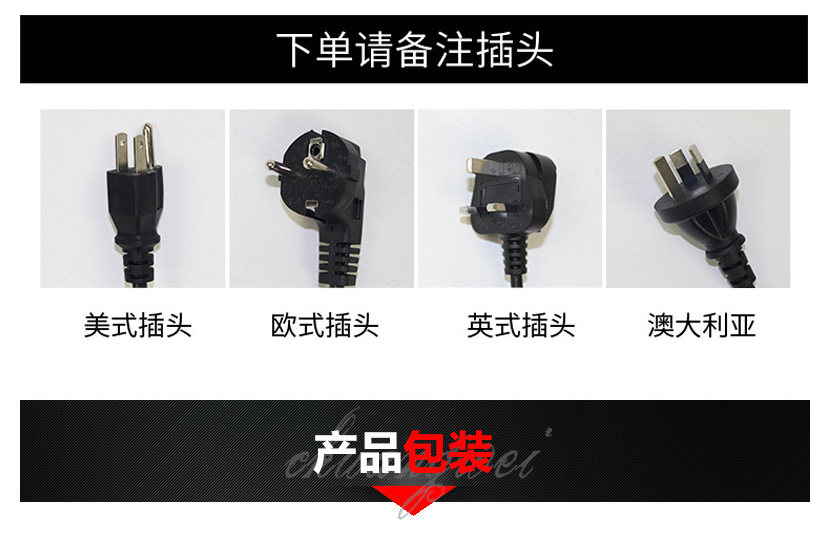
内箱
undefined

外箱(双层打包更牢固)

undefined


undefined


更新时间:2022-10-10 12:41


直播:开始

使用 义乌购APP扫码
获取最佳直播体验

关闭

使用 义乌购APP扫码
获取最佳直播体验

X

——— 温馨提示 ———

购买商品请先切换为买家状态
或登录义乌购APP扫二维码购买