

商铺公告
商品分类

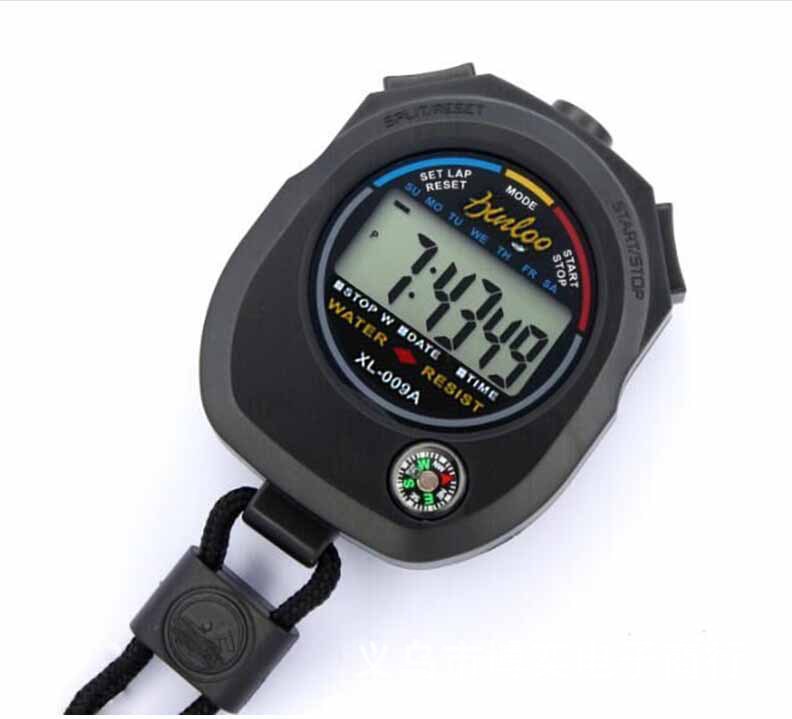
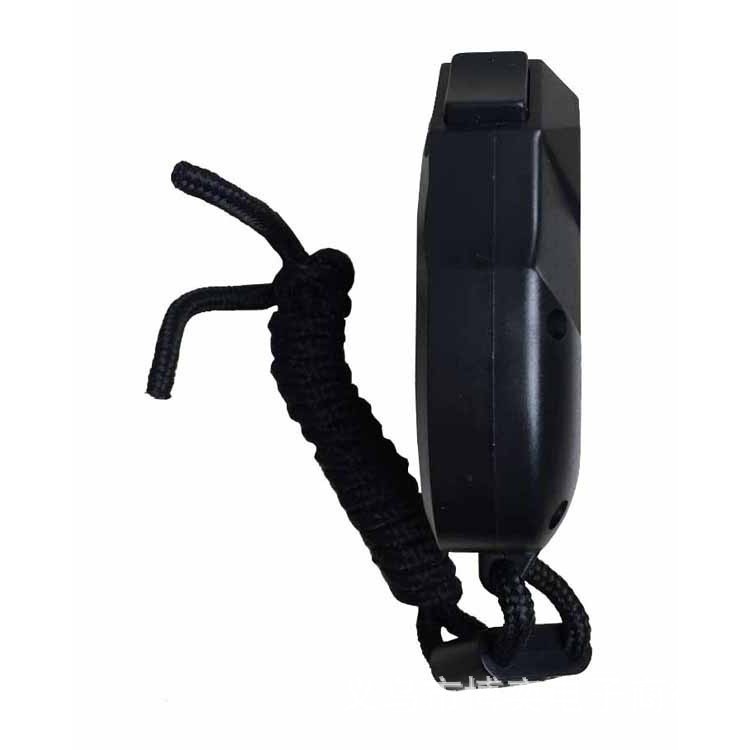
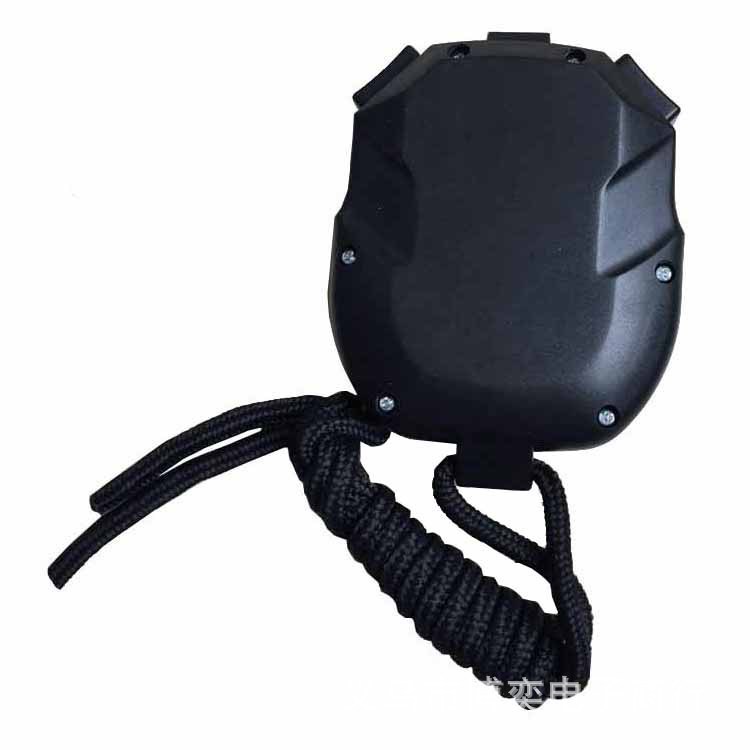
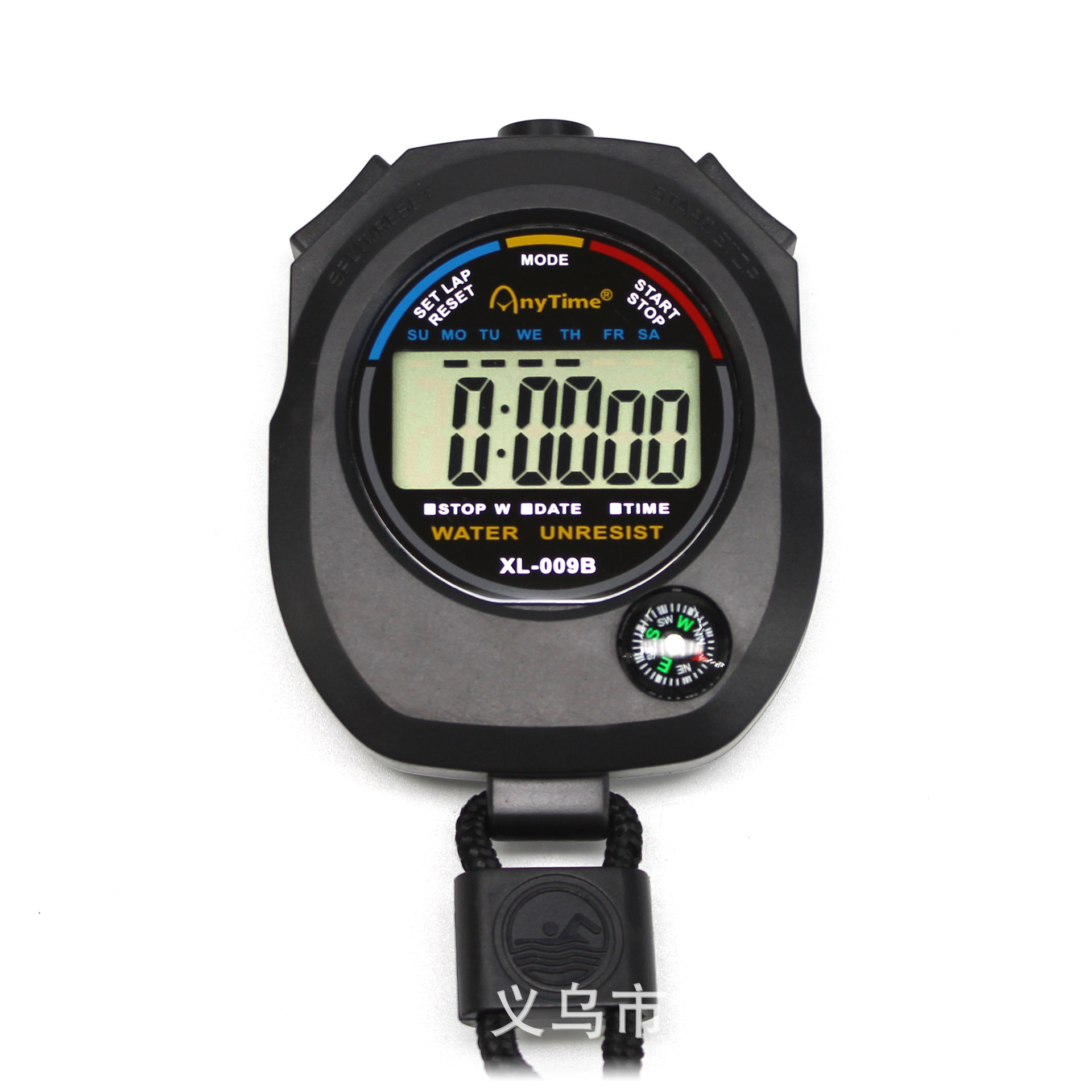
质:塑料
颜色:黑色
尺寸:8*6*2厘米
【产品特点】
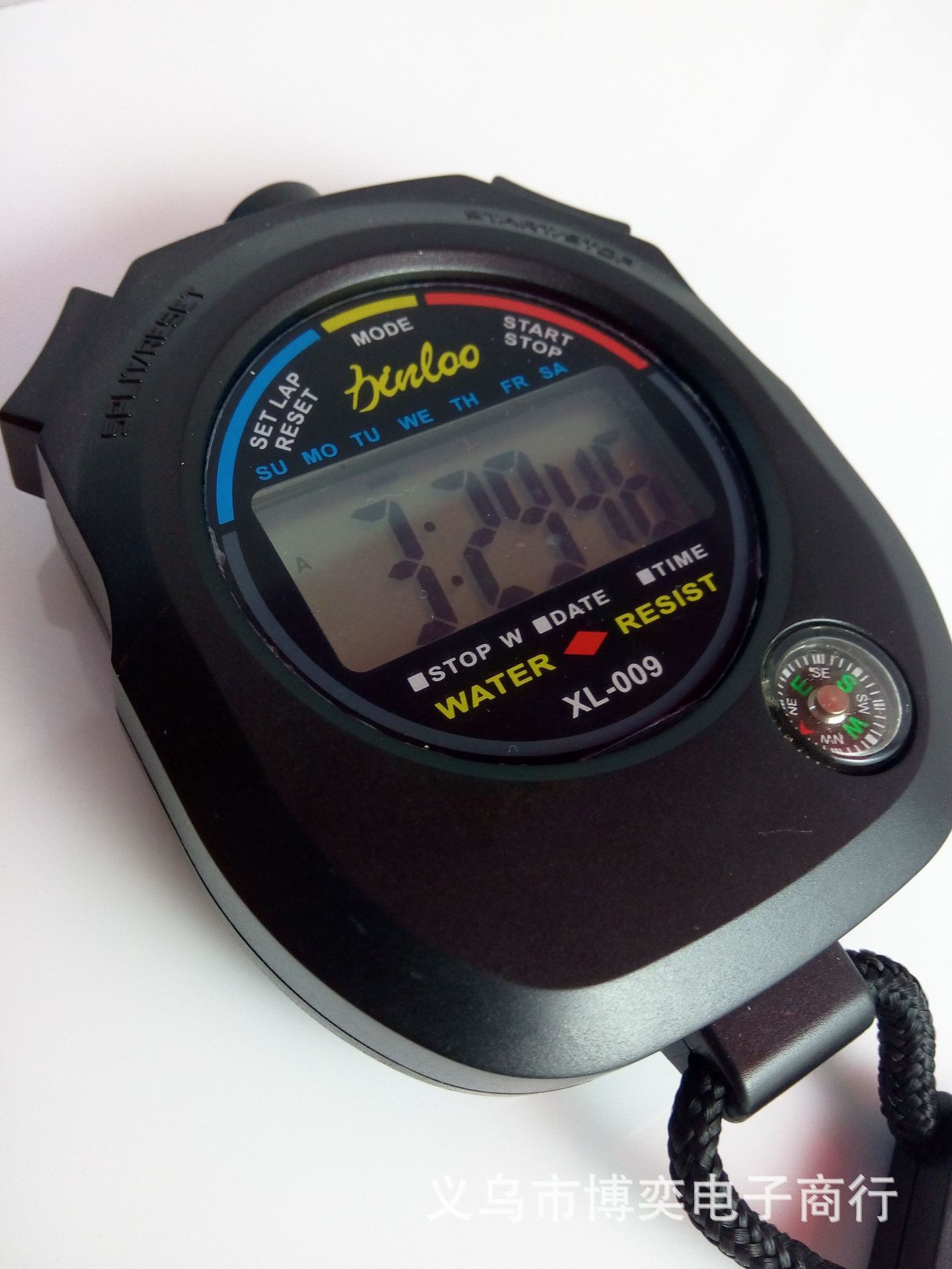
1.时间、日历显示、定时闹响(12/24小时制式转换、1/100秒精确计时)
2.超大屏幕显示。
3.附带了指南针功能。
4.容易更换电池(使用G13钮扣电池)。
使用设置说明:
1 秒表设置使用:在正常时间显示下,按一次MODE键,就会看到进入秒表状态,再按一次START键(右键)开始计时,需停再按一次START键,继续再按一次START键。重新归零计时,在秒表停止状态下,按一下SPLIT键(左键)就会归零重新计时。
2 闹铃时间设置:在正常时间显示下,按二次MODE键,就会看到进入闹铃时间设置状态,再连续按START键(右键)开始调时,按一下SPLIT键(左键),就会转入调分。
3 时间设置:在正常时间显示下,按三次MODE键,就会看到秒数在闪,按一下SPLIT键(左键),就会看到分数在闪,然后按START键(右键)把分数调好,按一下SPLIT键(左键)就会看到时数在闪,然后按START键(右键)把时数调好,按一下SPLIT键(左键)就会看到日数在闪,然后按START键(右键)把日数调好,都这样操作等把月数和星期都调好后,按MODE键退出完毕
4 闹钟开关:按住RESET不放再按START/STOP就可以!
使用设置说明:
1 秒表设置使用:在正常时间显示下,按一次MODE键,就会看到进入秒表状态,再按一次START键(右键)开始计时,需停再按一次START键,继续再按一次START键。重新归零计时,在秒表停止状态下,按一下SPLIT键(左键)就会归零重新计时。
2 闹铃时间设置:在正常时间显示下,按二次MODE键,就会看到进入闹铃时间设置状态,再连续按START键(右键)开始调时,按一下SPLIT键(左键),就会转入调分。
3 时间设置:在正常时间显示下,按三次MODE键,就会看到秒数在闪,按一下SPLIT键(左键),就会看到分数在闪,然后按START键(右键)把分数调好,按一下SPLIT键(左键)就会看到时数在闪,然后按START键(右键)把时数调好,按一下SPLIT键(左键)就会看到日数在闪,然后按START键(右键)把日数调好,都这样操作等把月数和星期都调好后,按MODE键退出完毕
4 闹钟开关:按住RESET不放再按START/STOP就可以!
Material: plastic type: 009 a
Color: black
Size: 8 * 6.2 * 6.2 cm
【 features 】
1. The time and calendar display, timing rings at (12/24 hour format conversion, 1/100 of a second precise timing)
2. The large screen display.
3. With the function of the compass.
4. Easy to replace the battery (using the G13 button batteries).
Use the setup instructions:
Stopwatch set use: 1 under the normal time display, press MODE key at a time, will see the state of a stopwatch, press the START button (right) once again and START the time, need to stop press START button once again, to continue again press the START button. To zero in time, in a stopwatch to stop state, click the SPLIT button (left) will be zero to timing.
2 set the alarm time: in the normal time display, according to the second MODE key, set the alarm time will see into the state, then press the START button (right) to START adjusted continuously, click the SPLIT button (left), will be transferred to the points.
3 time Settings: under the normal time display, press MODE key three times, you will see number of seconds in a flash, click the SPLIT button (left), you will see scores in flash, and then press the START button (right) turn score, click the SPLIT button (left) will see hours in flash, and then press the START button (right) the hours set, click the SPLIT button (left) will see days in flash, and then press the START button (right) stay tuned, all such operations such as the months and weeks after all set, press MODE key to exit
4 alarm switch: hold down the RESET not press START/STOP can again!
更新时间:2024-04-10 15:54
——— 温馨提示 ———
购买商品请先切换为买家状态
或登录义乌购APP扫二维码购买


 kefu@yiwugo.com