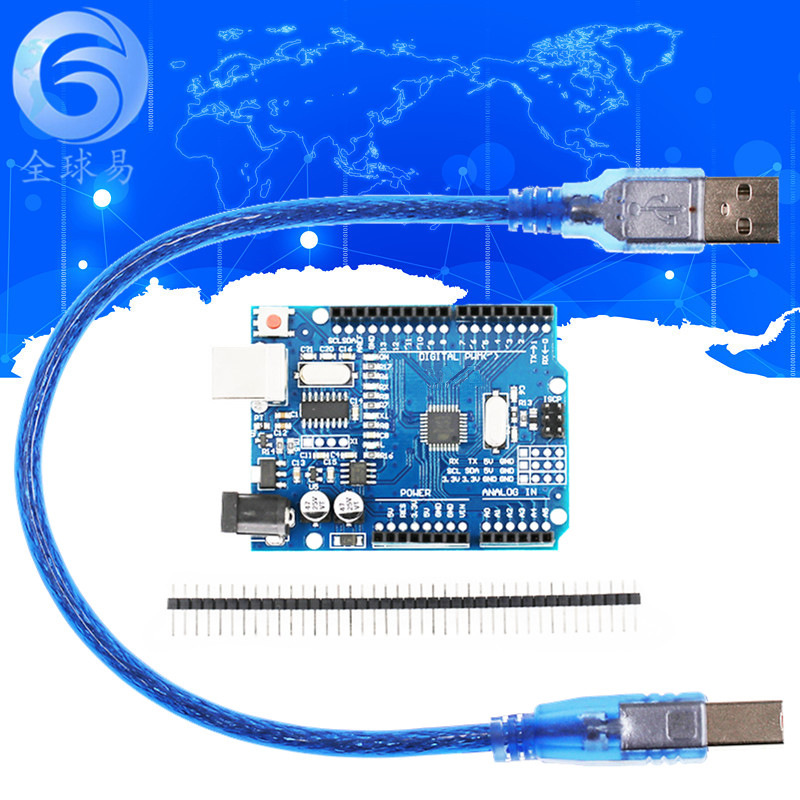
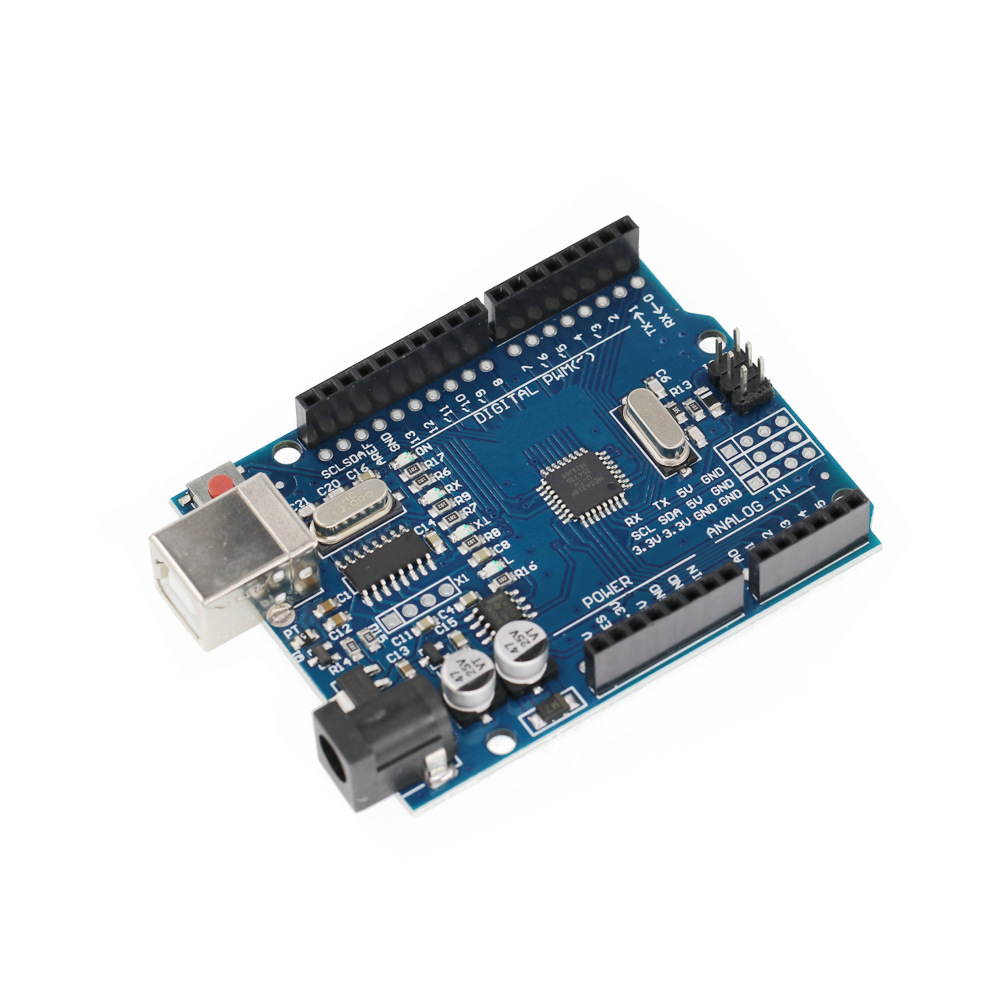
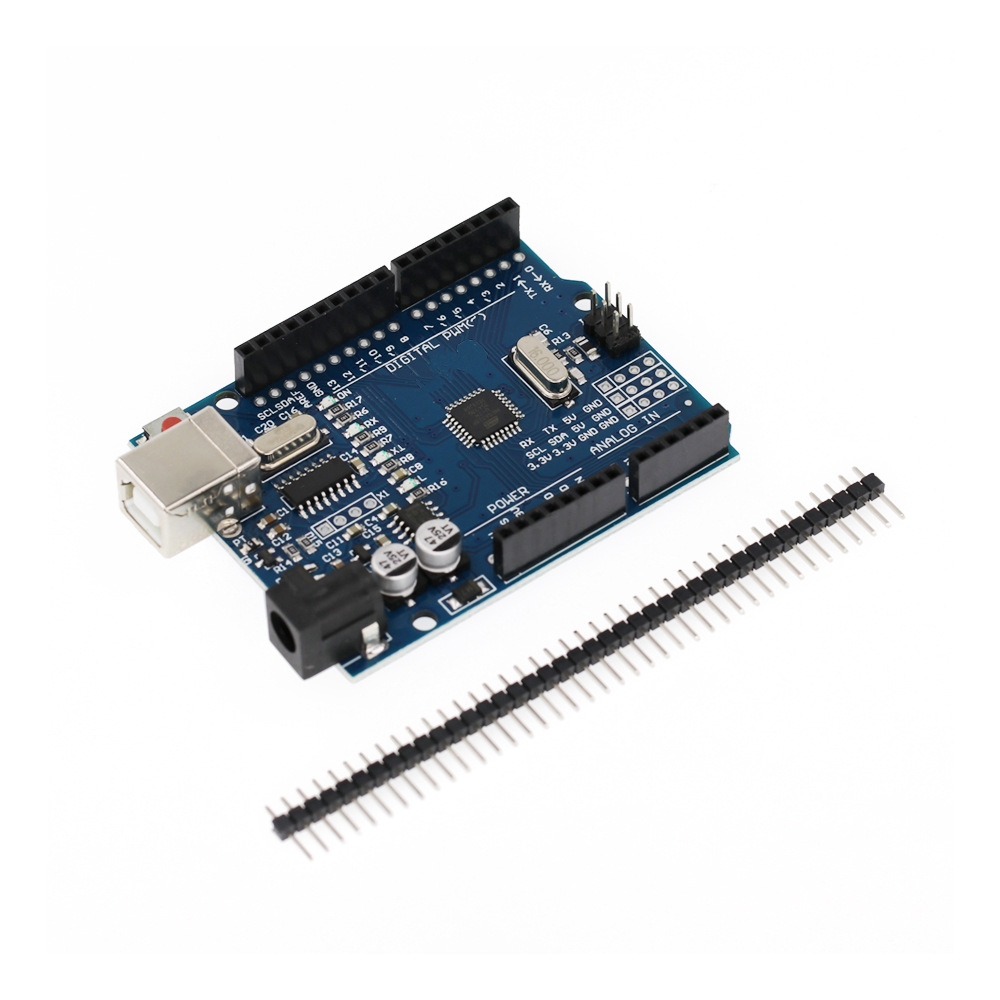
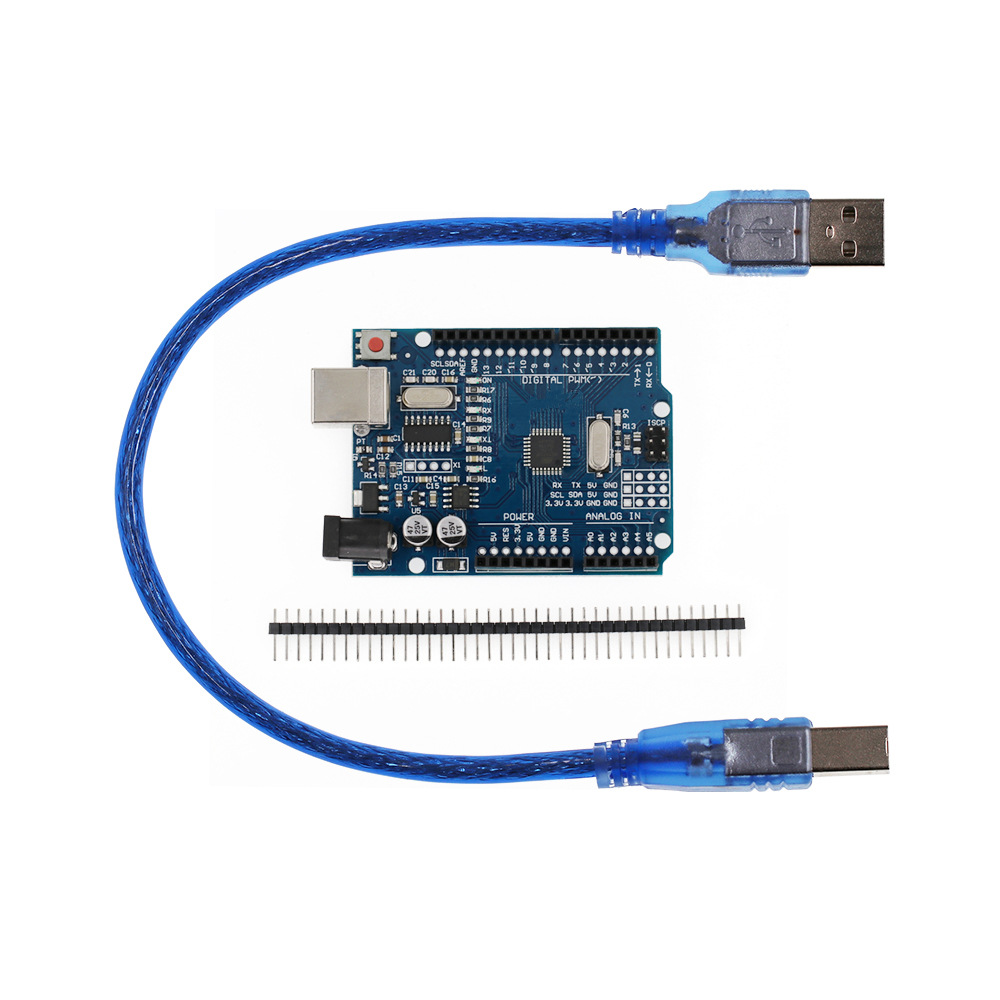
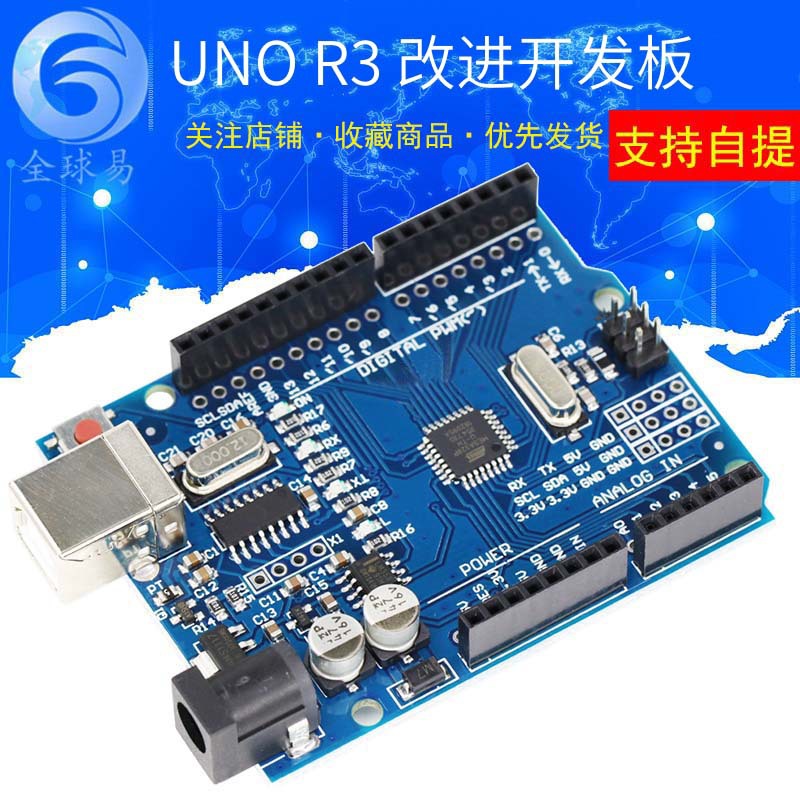



 UNO改进 (方口)不带线
|
¥1232 | 957917个可售 |
|
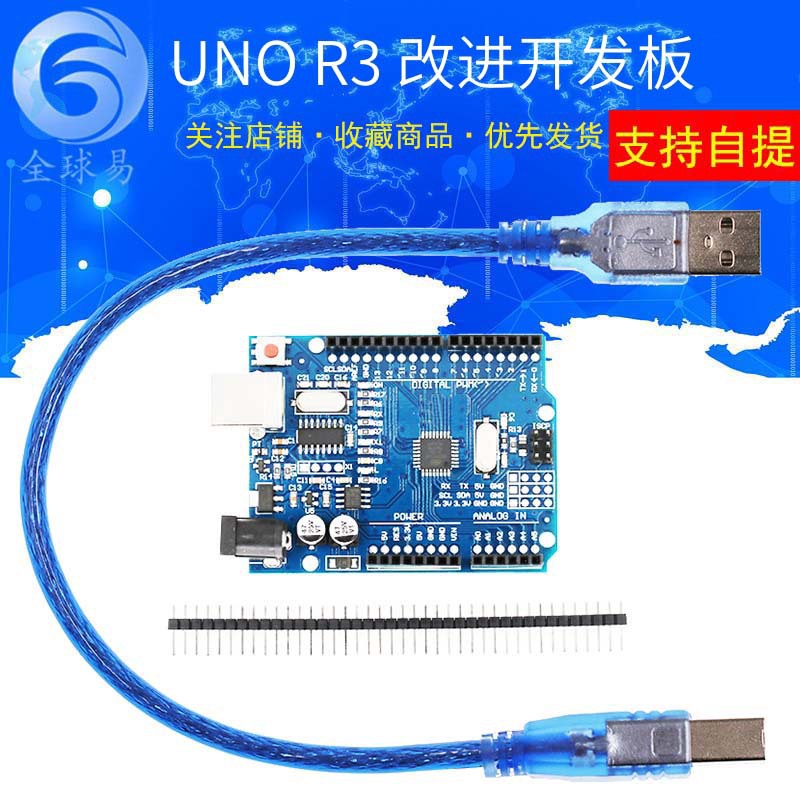
 UNO改进 (方口)带线
|
¥1357 | 934152个可售 |
|
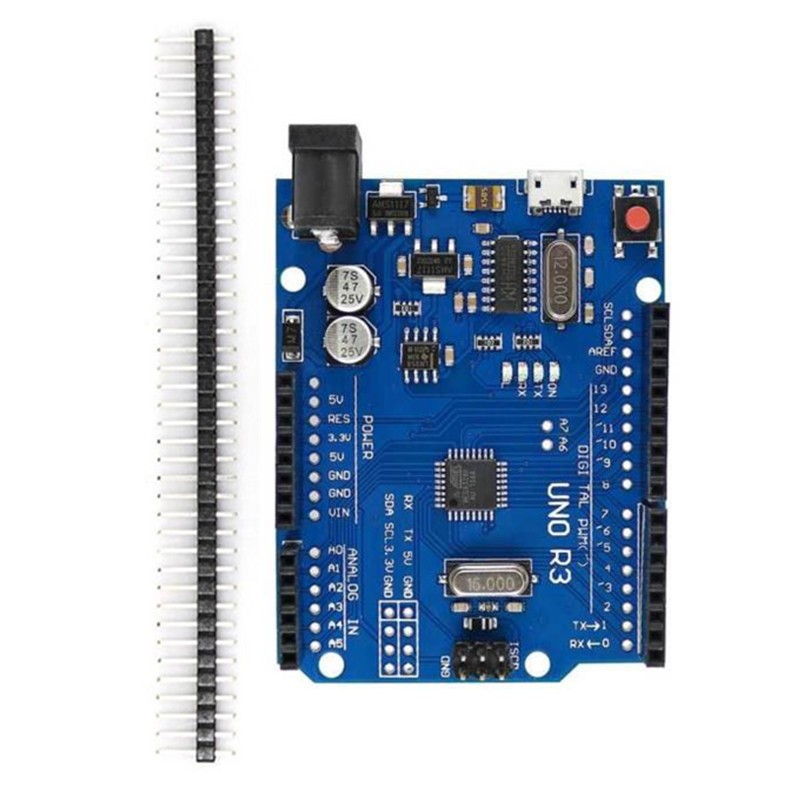
 UNO改进 (MICRO接口)不带线
|
¥1249 | 9308个可售 |
|
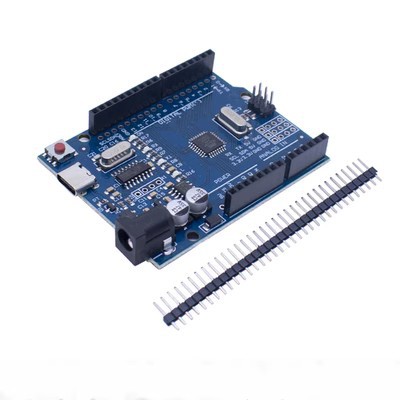
 UNO改进 (TYPE-C接口)不带线
|
¥1249 | 4471个可售 |
|
商铺公告

(详情提供中英文描述)
中文描述:
特此申明:
此版本是在原来版本上进行的优化,主要是针对国外客户对产品质量和功能要求高的情况下设计的,既保证和原版的完全一致兼容,又能方便大家使用。
优点:1彻底解决了传统UNO板子在win7和win8系统上面的不兼容不稳定情况。
2.增加了排针插口,方便大家使用杜邦线。
3.替换了16u2,使成本降为一半,消费者得到最大实惠
使用方法:
1. 下载arduno的IDE
下载地址:http://arduno.cc/en/Main/Software(复制打开)
2.下载USB芯片驱动
下载地址:http://wch.cn/downloads.php?name=pro&proid=65
资料下载
国外客户下载地址:http://www.wch-ic.com/download/list.asp?id=126
3. 插上UNO开发板,驱动会自动安装
4.在die里面选择板卡 UNO
5. 选择COM端口,这个可以在我的电脑里查询,刚刚你的uno开发板里面端口
6. 最好先选择,arduno自带的例程程序,烧录进去
---------
Arduno简介
什么是Arduno
Arduno 是一块基于开放原始代码的Simple i/o平台,并且具有使用类似Java,C语言的Processing/Wiring开发环境,容易理解的特点。让您可以快速使用Arduno做出有趣 的东西。Arduno可以配合一些电子元件使用例如:LED灯、蜂鸣器、按键、光敏电阻等等。Arduno开发环境界面基于开放原始码原则,可以让您 免费下载使用开发出更多令人惊奇的互动作品。
特色描述
开放原始设计的电路图,开发软件界面免费下载,也可依需求而自己进行修改,下载程序简单、方便。可简单地使用传感器、各式各样的电子元件连接(如:LED灯、蜂鸣器、按键、光敏电阻等等),做出各种各样有趣的作品.
使用高速的微处理控制器(ATMEGA328),开发操作界面和环境都非常简单、易理解,非常适合初学者学习。
性能描述
Digital I/O 数字输入/输出端共 0~13。
Analog I/O 模拟输入/输出端共 0~5。
支持ISP下载功能。
输入电压:接上电脑USB时无须外部供电,外部供电5V~9V 直流电压输入。
输出电压:5V 直流电压输出和3.3V 直流电压输出。
采用Atmel Atmega328微处理控制器
英文描述:
Hereby declare:
This version is optimized on the original version, mainly designed for foreign customers with high product quality and functional requirements. It is guaranteed to be completely consistent with the original version and convenient for everyone to use.
Advantages: 1 completely solved the incompatibility of the traditional UNO board in win7 and win8 system.
2. The pin header is added to facilitate the use of the DuPont line.
3. Replaced 16u2, reducing costs to half, consumers get the most benefits
Instructions:
1. Download arduno's IDE
Download address: http://arduno.cc/en/Main/Software (copy open)
2. Download the USB chip driver
Download address: http://wch.cn/downloads.php?name=pro&proid=65
Download
Foreign customer download address: http://www.wch-ic.com/download/list.asp?id=126
3. Plug in the UNO development board and the driver will be installed automatically.
4. Select the board in the die UNO
5. Select the COM port, this can be queried in my computer, just the port inside your uno development board
6. It is best to choose the routine program that comes with arduno and burn it into it.
---------
Introduction to Arduno
What is Arduno
Arduno is a simple i/o platform based on open source code and has an easy-to-understand feature using a Java/C-like Processing/Wiring development environment. Lets you quickly use Arduno to make interesting things. Arduno can be used with some electronic components such as: LED lights, buzzers, buttons, photoresistors, and more. The Arduno development environment interface is based on open source principles, allowing you to download and use more amazing interactive works.
Feature description
Open the original design of the circuit diagram, the development software interface is free to download, you can also modify it according to your needs, the download procedure is simple and convenient. Simply use sensors, a variety of electronic components (such as: LED lights, buzzers, buttons, photoresistors, etc.) to make a variety of interesting works.
Using a high-speed microprocessor controller (ATMEGA328), the development interface and environment are very simple and easy to understand, making it ideal for beginners to learn.
Performance description
Digital I/O digital input/output terminals total 0~13.
The analog I/O analog input/output terminals are 0~5.
Support ISP download function.
Input voltage: no external power supply is required when connecting to the computer USB, external power supply 5V~9V DC voltage input.
Output voltage: 5V DC voltage output and 3.3V DC voltage output.
Atmel Atmega328 microprocessor controller
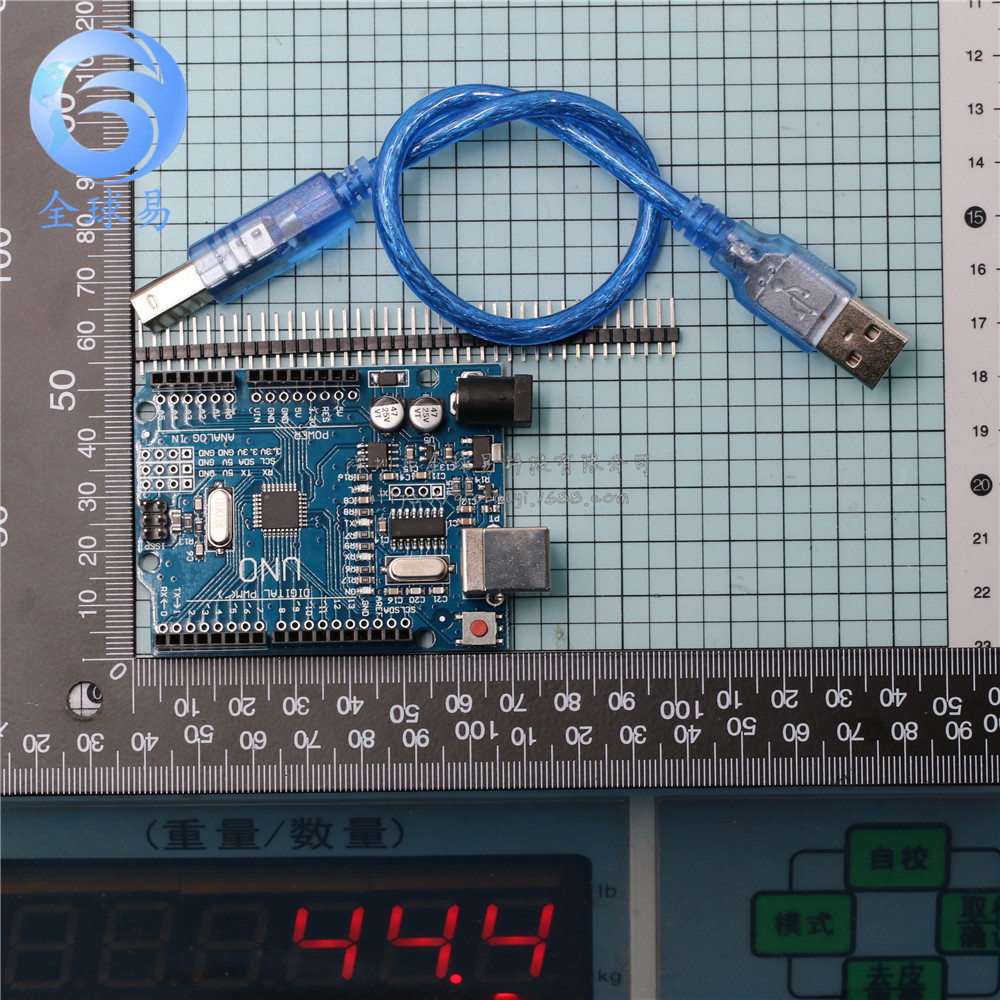
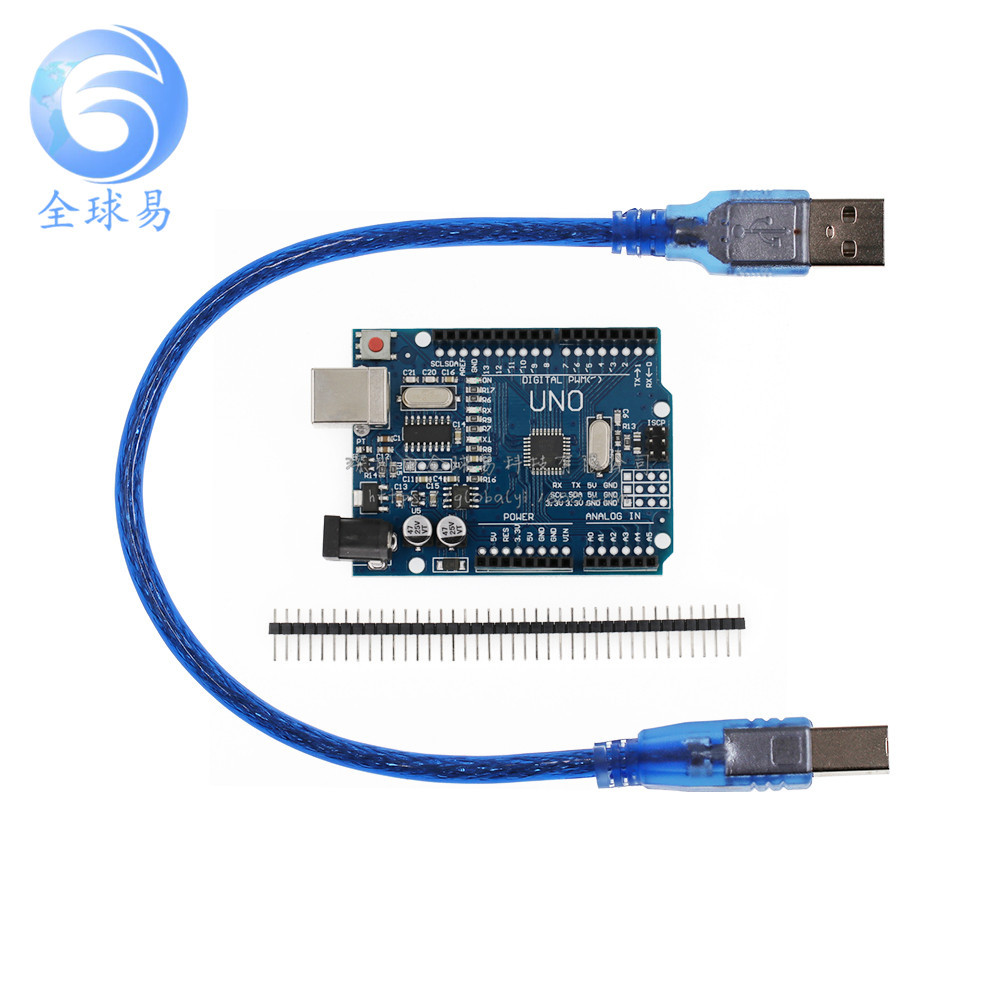
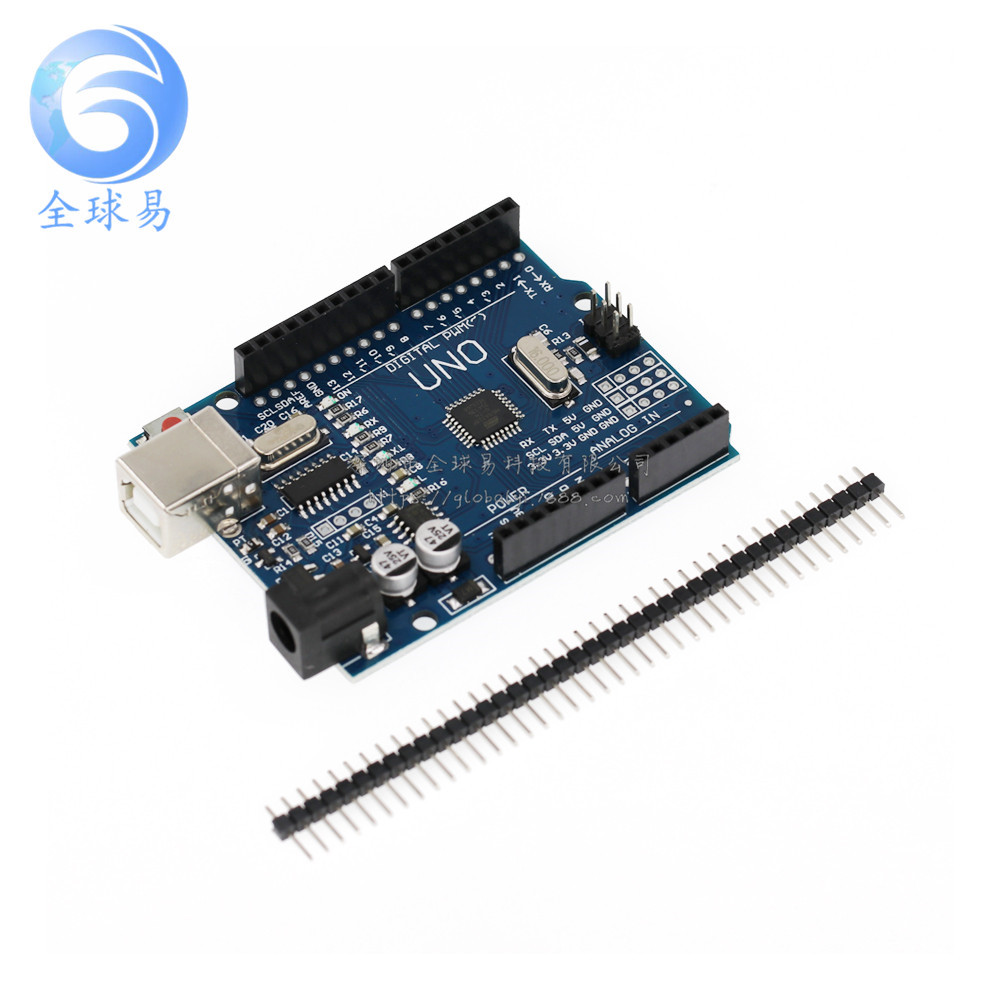
图片展示:
更新时间:2025-11-18 12:19
——— 温馨提示 ———
购买商品请先切换为买家状态
或登录义乌购APP扫二维码购买


 kefu@yiwugo.com